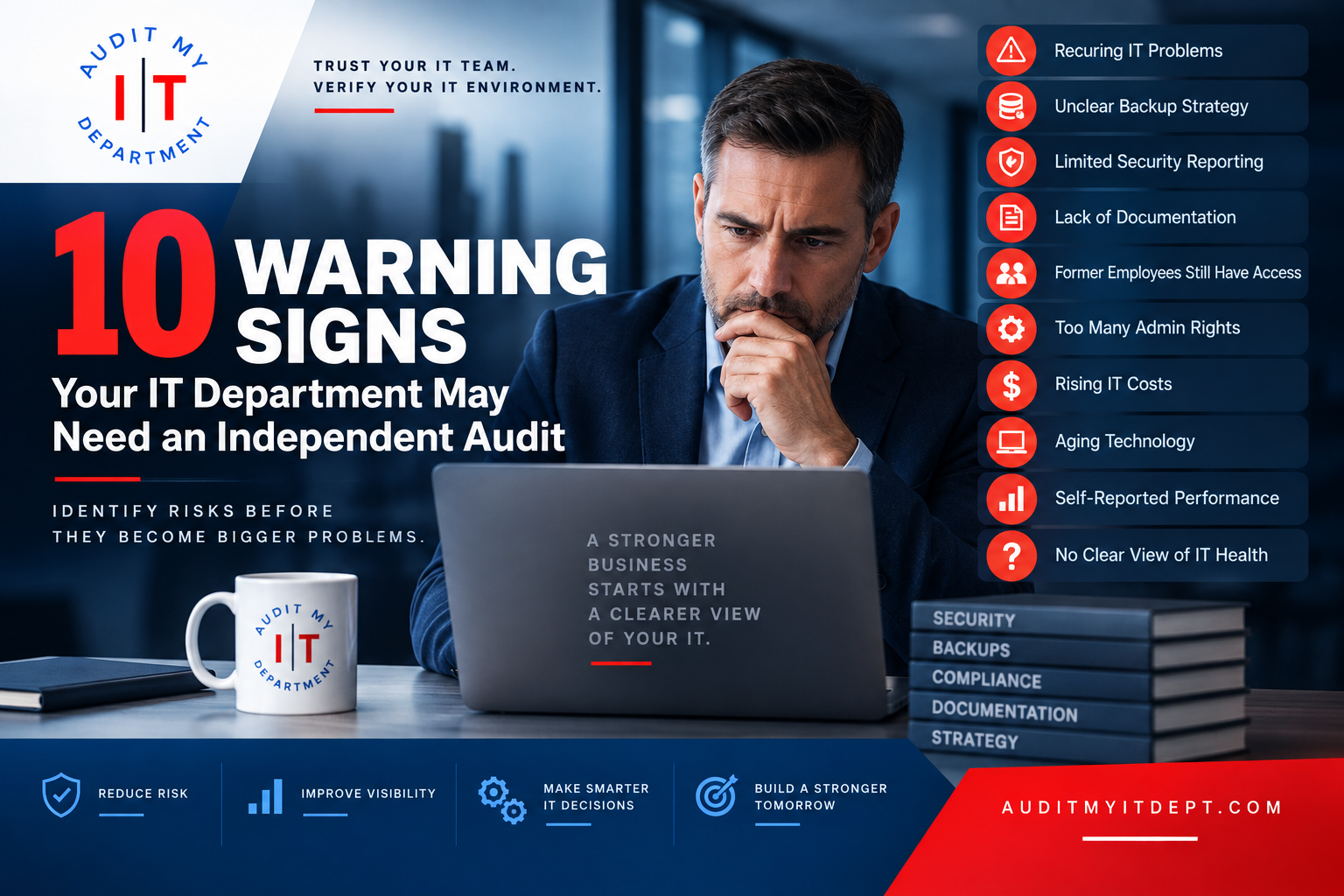
10 Warning Signs Your IT Department May Need an Independent Audit
Most business owners and executives aren’t involved in the day-to-day management of their technology.
And they shouldn’t have to be.
You have an internal IT department, an IT manager, or an outsourced managed service provider because those professionals are responsible for keeping technology secure, reliable, and operational.
But leadership still has an important responsibility:
Knowing whether the organization’s technology is actually being managed effectively.
The challenge is recognizing when an independent review may be warranted.
An IT department doesn’t have to be failing for an audit to provide value. Sometimes everything appears to be working while important risks remain hidden beneath the surface.
Here are 10 warning signs that it may be time to independently audit your IT environment.
1. You’re Experiencing the Same IT Problems Over and Over
Every organization experiences occasional technical problems.
What’s more concerning is when the same problems repeatedly return.
Perhaps employees regularly complain about:
- Slow computers
- Network interruptions
- Wi-Fi problems
- Application failures
- Printing issues
- Remote-access problems
- Email problems
- Recurring server outages
Individual incidents aren’t necessarily evidence of poor IT management.
But recurring problems can indicate that IT is treating symptoms instead of addressing underlying causes.
Leadership should be able to ask:
What is causing these recurring problems, and what is being done to permanently resolve them?
An independent assessment can help distinguish unavoidable technical issues from systemic problems that need attention.
2. Nobody Can Clearly Explain Your Backup and Recovery Strategy
Ask a simple question:
“If our systems were destroyed tonight, how would we recover tomorrow?”
You should receive a clear answer.
Leadership should understand:
- What is backed up
- How frequently backups occur
- Where those backups are stored
- How long data is retained
- Who monitors backup failures
- Whether backups are isolated from the production environment
- When a complete restore was last tested
- Approximately how long recovery would take
If the answer is simply:
“Everything is backed up.”
That’s not enough.
Backups aren’t valuable merely because they exist.
They’re valuable because they allow the organization to recover.
An independent audit can verify whether backup and disaster-recovery procedures are actually capable of supporting the business during an emergency.
3. Leadership Rarely Receives Cybersecurity Reporting
Cybersecurity shouldn’t exist entirely inside the IT department.
Executives don’t need a technical report containing thousands of alerts, but they should receive meaningful information about the organization’s security posture.
For example:
Are all users protected by multifactor authentication?
Are computers receiving security updates?
Are endpoint security systems operating correctly?
Have suspicious login attempts occurred?
Are there unsupported systems?
Are employees receiving security awareness training?
Are vulnerabilities being identified and addressed?
If leadership receives virtually no cybersecurity reporting, it becomes difficult to understand whether risks are being properly managed.
No news isn’t necessarily good news in cybersecurity.
Sometimes it simply means leadership lacks visibility.
4. Critical IT Knowledge Exists in One Person’s Head
Consider what would happen if your primary IT person suddenly became unavailable.
Could another qualified professional step in and understand your environment?
Or would critical information disappear with that person?
This is sometimes called the IT bus factor.
Important information should be documented, including:
- Network configurations
- Administrative procedures
- Vendor relationships
- Software licensing
- Critical applications
- Backup procedures
- Equipment inventories
- Support contacts
- Domain information
- Cloud services
- Recovery procedures
An organization should never be completely dependent on one individual’s memory.
Even an exceptional IT professional should maintain documentation that protects the organization if responsibilities change.
5. Former Employees Still Have Accounts or Access
Employee offboarding is both an operational and cybersecurity issue.
When someone leaves the organization, IT should have a documented process for addressing their access.
That may include:
- Microsoft 365 accounts
- VPN access
- Business applications
- Cloud platforms
- Remote access
- Shared passwords
- Administrative privileges
- Company-owned devices
Old accounts that remain active create unnecessary risk.
The same applies to vendors, contractors, consultants, and former IT providers.
An independent audit can identify dormant accounts and determine whether access is being reviewed systematically.
6. Everyone Seems to Have Administrator Rights
Administrative privileges provide powerful control over computers, applications, and networks.
They should therefore be limited.
If employees routinely operate with local administrator rights—or if numerous people have global administrative access to Microsoft 365—the organization may be carrying unnecessary risk.
Excessive privileges can make it easier for:
- Malware to spread
- Ransomware to cause damage
- Unauthorized software to be installed
- Accounts to be abused
- Security settings to be changed
Leadership doesn’t need to know every administrator account.
But someone should periodically verify that privileged access is limited to people who genuinely require it.
7. Your Technology Spending Keeps Increasing, but Nobody Can Explain Why
Technology isn’t free, and increasing IT costs don’t automatically indicate a problem.
Organizations grow.
Cybersecurity requirements increase.
Software subscriptions become more expensive.
Old equipment needs replacement.
However, leadership should still understand what the organization is paying for and why.
Warning signs can include:
- Duplicate software subscriptions
- Unused licenses
- Unexplained recurring charges
- Old services that were never canceled
- Hardware purchases without lifecycle planning
- Multiple vendors providing overlapping services
- Significant spending without a technology roadmap
An independent assessment can help connect IT spending to actual business requirements.
The goal isn’t necessarily to spend less.
It’s to make sure the organization is spending intentionally.
8. Nobody Knows How Old Your Critical Technology Is
Technology has a lifecycle.
Servers, firewalls, switches, computers, operating systems, and software eventually become outdated.
An organization should know:
- What technology it owns
- Approximately how old it is
- Whether it is still supported
- When warranties expire
- When replacement should occur
Without this information, technology replacement becomes reactive.
Instead of budgeting for equipment upgrades, the organization waits until something fails.
That can create unnecessary downtime, emergency spending, and cybersecurity exposure.
A mature IT environment should have some form of technology lifecycle planning.
9. Your IT Provider Grades Its Own Performance
This situation is extremely common.
An organization outsources its IT to a managed service provider.
The provider manages the systems.
The provider monitors the systems.
The provider produces the reports.
And the provider tells leadership whether everything is being managed correctly.
Again, this doesn’t mean the MSP is doing anything wrong.
Many managed service providers deliver excellent service.
But there is still value in independent verification.
If a company relies on outside professionals to manage a critical business function, occasionally obtaining a second opinion is reasonable governance.
An independent audit can verify whether:
- Contracted services are being delivered
- Security controls are properly configured
- Backups are functioning
- Systems are maintained
- Documentation exists
- Technology recommendations make sense
A strong MSP should have little reason to fear an objective assessment.
In many cases, an audit validates the work they’re already doing.
10. Leadership Can’t Answer the Question: “How Healthy Is Our IT?”
This may be the most important warning sign of all.
Imagine someone on your board or executive team asks:
“How healthy is our IT environment?”
What would the answer be?
“Pretty good?”
“I think we’re secure?”
“Our IT person says everything is fine?”
“Our MSP handles that?”
Those aren’t necessarily wrong answers.
But they aren’t measurable answers either.
Leadership should have some understanding of the organization’s position across areas such as:
Cybersecurity
Backup & Recovery
Microsoft 365
Documentation
IT Operations
Infrastructure
Technology Strategy
That doesn’t mean executives need to become technology experts.
It means they need enough independent information to make informed business decisions.
One Warning Sign Doesn’t Mean Your IT Department Is Failing
It’s important to put these warning signs into perspective.
Finding one or more of them doesn’t automatically mean your IT staff or managed service provider is doing a poor job.
There may be legitimate explanations.
Your IT team may already know about an issue but hasn’t received the budget required to address it.
A legacy application may prevent a system from being upgraded.
A security improvement may already be scheduled.
Documentation may be incomplete because the IT department is understaffed.
This is another reason independent assessments can be valuable.
They provide context.
Instead of simply identifying problems, a good audit helps leadership understand:
- What’s working
- What isn’t
- Why
- How significant the risk is
- What should be addressed first
A Good IT Audit Can Help Your Existing IT Team
An independent assessment shouldn’t create an adversarial relationship with IT.
It can actually help.
Suppose your IT manager has been requesting funding for a backup replacement, cybersecurity platform, additional employee, or network upgrade.
Leadership may have postponed the investment because the technical need wasn’t completely clear.
An independent assessment may validate the recommendation and provide business justification for moving forward.
Likewise, the audit may demonstrate that the IT team has already implemented strong controls in many areas.
Independent verification works both ways.
It identifies weaknesses, but it can also validate good work.
Don’t Wait for an Incident to Ask Questions
Many organizations don’t closely examine their IT environments until something serious happens.
A ransomware attack.
A failed backup.
A major outage.
A compromised email account.
A key employee leaving.
A cyber insurance problem.
A compliance issue.
At that point, leadership starts asking questions that could have been asked months or years earlier.
A better approach is to evaluate the environment before an incident forces the conversation.
Trust Your IT Team. Verify Your IT Environment.
The purpose of an independent IT audit isn’t to create distrust.
It’s to give leadership visibility.
Your IT department may be doing an outstanding job.
Your MSP may be delivering everything you’ve been promised.
Your backups may be completely recoverable.
Your cybersecurity may be properly configured.
That’s exactly what you want an independent assessment to confirm.
And if something isn’t right, it’s much better to discover it during an audit than during an emergency.
How Many of These Warning Signs Apply to Your Organization?
If several of these situations sound familiar, it may be time for an independent view of your IT environment.
Audit My IT Department evaluates key areas including:
- Cybersecurity
- Backup & Disaster Recovery
- Microsoft 365
- IT Operations
- Network & Infrastructure
- Documentation
- Technology Strategy
The result is designed to give business owners and leadership teams a clearer understanding of what’s working, where risk exists, and what should happen next.
Don’t guess about the health of your IT. Know.
REQUEST AN IT AUDIT
847-281-5953
AuditMyITDept.com