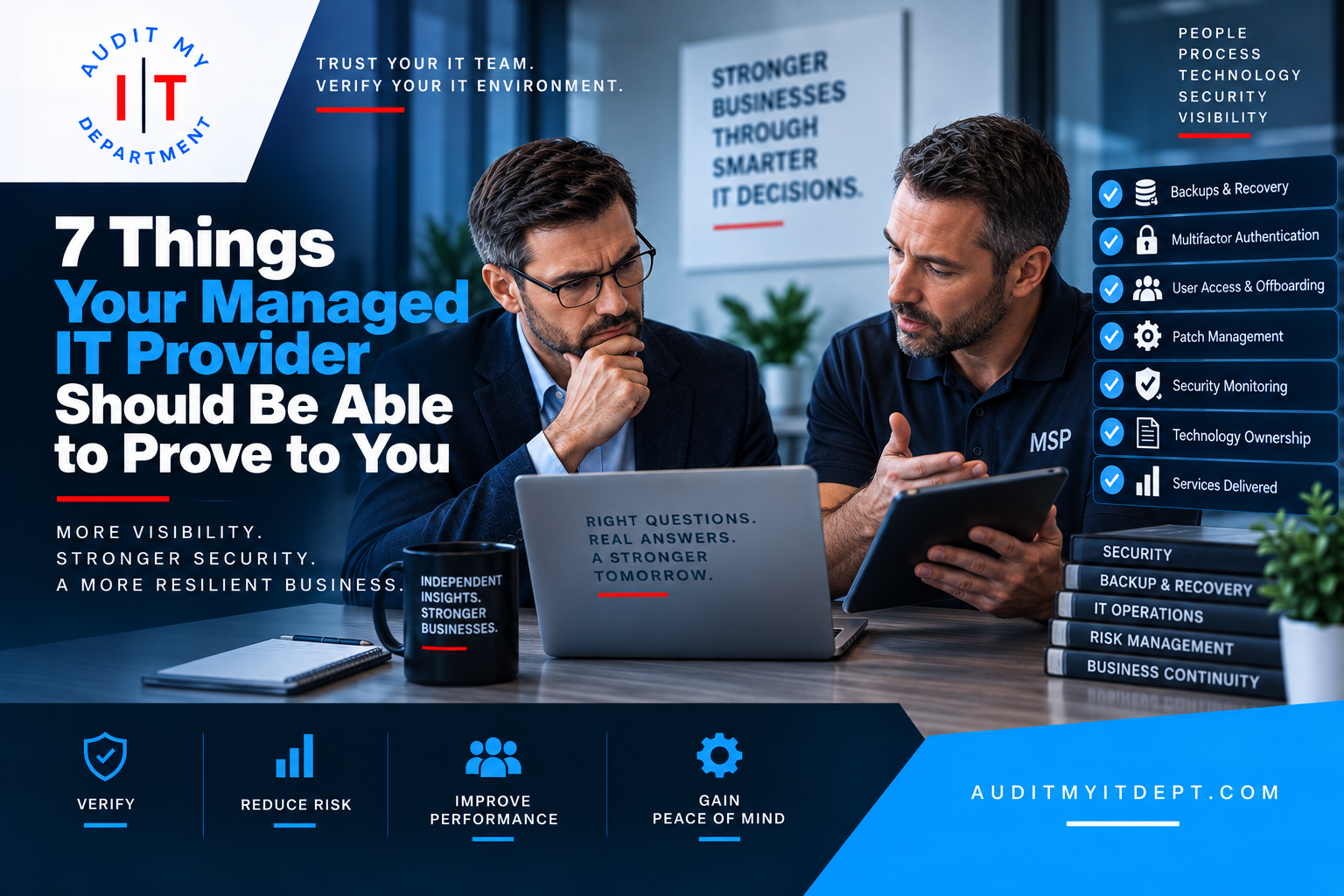
7 Things Your Managed IT Provider Should Be Able to Prove to You
Outsourcing IT can be one of the smartest decisions a business makes.
A good managed service provider, or MSP, can give an organization access to technical expertise, cybersecurity capabilities, monitoring, support, and technology planning that would be difficult to build internally.
But outsourcing IT creates an important responsibility for business leadership.
You can outsource the work. You cannot outsource accountability.
Your managed IT provider may have administrative access to your network, Microsoft 365 environment, servers, backups, cybersecurity systems, employee computers, and other critical technology.
That’s an enormous amount of responsibility.
Yet many business owners receive surprisingly little information about what’s actually happening behind the scenes.
They receive an invoice.
Employees submit support tickets.
Computers generally work.
The MSP says everything is being monitored.
And leadership assumes the technology environment is healthy.
That may be completely correct.
But important business controls shouldn’t depend entirely on assumptions.
A strong IT provider should be able to demonstrate the work being performed and explain the health of your technology environment in language leadership can understand.
Here are seven things your managed IT provider should be able to prove.
1. Your Backups Are Actually Recoverable
Ask your IT provider:
“When was the last time you successfully restored our data from backup?”
Notice the question isn’t:
“Are our backups running?”
Those are two very different questions.
Backup software can report successful jobs while recovery problems remain undiscovered.
Your provider should be able to explain:
- What systems are being backed up
- How frequently backups occur
- Where backups are stored
- How long data is retained
- How failures are monitored
- Who responds to failed backups
- Whether backup copies are protected from ransomware
- When recovery was last tested
- Approximately how long recovery would take
Leadership doesn’t need to understand every technical detail of the backup platform.
But leadership should understand the organization’s recovery capability.
A green checkmark on a backup dashboard isn’t the ultimate objective.
Successful recovery is.
2. Multifactor Authentication Is Properly Deployed
Multifactor authentication, or MFA, is one of the most important protections against account compromise.
Your MSP should be able to explain where MFA is deployed and identify any important exceptions.
That includes areas such as:
- Microsoft 365
- Administrative accounts
- Remote access
- VPN accounts
- Cloud applications
- Critical business systems
A useful question for leadership is:
“Which accounts in our environment are not protected by MFA, and why?”
There may occasionally be legitimate technical reasons for an exception.
But exceptions should be understood.
Administrative accounts deserve particular attention because they can provide broad access to company systems and information.
Don’t settle for:
“Yes, we use MFA.”
Ask whether it’s consistently applied where appropriate.
3. Former Employees No Longer Have Access
Employee departures are a normal part of business.
But every departure creates an IT security event.
When someone leaves, access may need to be removed from:
- Microsoft 365
- Computers
- VPN
- Business applications
- Cloud services
- Shared systems
- File storage
- Remote access
- Mobile devices
Your MSP should be able to explain the offboarding process and how it ensures access is removed.
Leadership should ask:
“Can you show us that former employee accounts and unnecessary access have been disabled?”
This becomes especially important when employees had administrative privileges or access to sensitive information.
A good provider should welcome a periodic access review.
It’s good security hygiene—not an accusation that someone failed.
4. Your Systems Are Being Patched
Every organization has software that needs updating.
Security vulnerabilities are discovered.
Vendors release patches.
Operating systems change.
Applications become outdated.
Your managed IT provider should have a process for identifying and deploying appropriate updates.
Leadership doesn’t need a spreadsheet containing every Windows update ever installed.
But your provider should be able to demonstrate the overall status of patching and identify systems that require attention.
Ask:
“Are any of our computers or servers significantly behind on security updates?”
Also ask:
“Do we have any systems running software or operating systems that are no longer supported?”
An unsupported system doesn’t automatically mean a crisis.
But leadership should know it exists and understand the plan for addressing it.
5. Your Security Tools Are Actually Being Monitored
Businesses increasingly pay for cybersecurity tools such as:
- Endpoint protection
- Email security
- Firewalls
- Security monitoring
- Vulnerability management
- DNS filtering
- Identity protection
- Threat detection
But purchasing a security product isn’t the same as operating a security program.
Someone needs to monitor alerts.
Someone needs to investigate suspicious activity.
Someone needs to respond when a problem occurs.
Ask your provider:
“If one of our computers showed signs of an attack at 2:00 tomorrow morning, who would know?”
Then ask:
“What happens next?”
The answer matters.
Your MSP should be able to explain:
- What is monitored
- When it’s monitored
- Who receives alerts
- How alerts are investigated
- When your company is contacted
- How serious incidents are escalated
Cybersecurity tools provide far more value when they’re connected to a defined response process.
6. You Own and Control Your Technology
This is one of the most important areas business owners often overlook.
Your MSP may manage your technology.
Your business should still maintain appropriate ownership and control of its critical technology assets.
That can include:
- Domain registration
- Microsoft 365 tenant
- Cloud services
- Backup systems
- Internet accounts
- Software licensing
- Website hosting
- Security services
- Administrative credentials
- Vendor relationships
Consider your domain name.
Who owns the registration?
Your company?
An employee?
Your IT provider?
A web developer from six years ago?
Now consider Microsoft 365.
Who has administrative access?
Would your organization still be able to access and manage the environment if the MSP relationship ended unexpectedly?
These aren’t questions you ask because you expect the relationship to fail.
They’re questions you ask because business continuity requires appropriate ownership and access.
A strong MSP should have no problem helping its client understand what the client owns and controls.
7. The Services You’re Paying For Are Actually Being Delivered
Managed IT agreements can include many different services.
Depending on the provider and contract, those services might include:
- Help desk
- Monitoring
- Patch management
- Endpoint protection
- Backup
- Microsoft 365 management
- Cybersecurity
- Vendor management
- Technology planning
- Network management
- Reporting
- Strategic reviews
Leadership should understand what the organization is paying for.
Then it should periodically verify that those services are being delivered.
Ask:
“Can you walk us through our agreement and show us how each major service is being provided?”
This doesn’t need to become an adversarial contract audit.
In fact, a good review can strengthen the relationship.
It may uncover services the MSP is performing that leadership didn’t realize were included.
It may identify tools that aren’t being fully utilized.
It may expose outdated contract language.
It may reveal areas where the organization’s needs have changed.
And sometimes it may show that additional investment is needed.
The goal isn’t simply to find something wrong.
The goal is visibility.
A Good MSP Should Welcome These Questions
Business owners sometimes worry that asking these questions will offend their IT provider.
It shouldn’t.
Professional IT providers understand that their clients have a responsibility to oversee critical business functions.
Imagine asking your accountant for financial reports.
That’s normal.
Imagine asking your insurance broker to explain your coverage.
Also normal.
Imagine asking your bank about account controls.
Again, completely normal.
IT should not be different.
Your MSP manages systems that can affect nearly every part of your organization.
Reasonable oversight isn’t distrust.
It’s responsible management.
What Should Your MSP Be Reporting to You?
Many businesses receive very little meaningful IT reporting.
Sometimes leadership gets a monthly document containing dozens of technical statistics.
CPU utilization.
Disk space.
Patch counts.
Ticket numbers.
Security events.
Most executives don’t know what to do with that information.
Technical data can be useful to IT professionals, but leadership needs something different.
A useful executive IT report should answer questions such as:
- Are there significant cybersecurity risks?
- Are backups healthy and recoverable?
- Are there unsupported systems?
- Are important projects on schedule?
- Are there recurring support problems?
- Are there major technology risks?
- Are there upcoming expenses?
- Are there decisions leadership needs to make?
The objective should be to translate technology into business impact.
Ask for Evidence, Not Just Reassurance
Consider the difference between these two conversations.
Business Owner:
“Are our backups good?”
IT Provider:
“Yes.”
Conversation over.
Now compare that with:
Business Owner:
“When did we last test restoring one of our critical systems?”
That’s a much better question.
The same principle applies elsewhere.
Instead of:
“Are we secure?”
Ask:
“What are our three biggest cybersecurity risks right now?”
Instead of:
“Are computers being updated?”
Ask:
“Do we have systems that are significantly behind on updates?”
Instead of:
“Is everyone protected by MFA?”
Ask:
“Which accounts aren’t protected by MFA?”
Good questions produce better visibility.
Your MSP Shouldn’t Be the Only One Evaluating Your MSP
There is one unavoidable limitation in most managed IT relationships.
The provider responsible for managing the environment is often also the organization telling leadership whether the environment is healthy.
That doesn’t mean the provider is dishonest.
It simply means there is limited independent verification.
The same concept exists throughout business.
Companies use independent financial audits.
Organizations conduct insurance reviews.
Businesses hire outside attorneys.
Cybersecurity programs undergo external assessments.
Important functions benefit from an occasional second opinion.
IT is no different.
An Independent IT Audit Doesn’t Mean Replacing Your MSP
This point is worth emphasizing.
An independent IT audit should not automatically be a sales pitch to replace your managed IT provider.
A good assessment may find that your MSP is doing an excellent job.
That’s valuable.
It gives leadership confidence that the organization made a good choice.
The assessment may also identify areas where the provider could improve.
Or it might discover that the MSP has repeatedly recommended important improvements that leadership hasn’t approved.
That’s also valuable.
Sometimes the problem isn’t the IT provider.
Sometimes IT has identified a risk but hasn’t been given the budget or authority to fix it.
An independent assessment can help distinguish between those situations.
What If Your MSP Doesn’t Want an Independent Review?
Most professional providers should be able to work constructively with an independent assessor.
That doesn’t mean they should hand over sensitive credentials without appropriate safeguards.
It doesn’t mean an auditor should interfere with production systems.
And it doesn’t mean every technical decision needs to be second-guessed.
But there should be a willingness to provide reasonable information about the environment and services being delivered.
If basic questions consistently produce resistance, vague answers, or no documentation, leadership should understand why.
Think of an IT Audit as a Second Opinion
You don’t get a second medical opinion because you automatically believe the first doctor is incompetent.
You get one because the decision matters.
The same principle can apply to IT.
Your company may depend on technology for:
- Communication
- Customer information
- Financial systems
- Operations
- Manufacturing
- Scheduling
- Sales
- Employee productivity
- Intellectual property
- Business continuity
An independent assessment provides another perspective on something the organization depends on every day.
Trust Your IT Provider. Verify Your IT Environment.
The best MSP relationships are partnerships.
The provider understands the business.
Leadership understands the technology risks.
Responsibilities are clear.
Communication is consistent.
Recommendations are documented.
And important controls can be demonstrated.
You don’t need to distrust your managed IT provider.
You need visibility.
A strong provider should be able to show you what’s working, identify what needs attention, and explain what your organization should plan for next.
Independent verification adds another layer of confidence.
Get an Independent View of Your IT Environment
Audit My IT Department provides independent IT assessments for organizations with internal IT departments, outsourced managed IT providers, or a combination of both.
We review areas including cybersecurity, backup and disaster recovery, Microsoft 365, access control, IT operations, documentation, infrastructure, and technology strategy.
Our objective isn’t to automatically replace your IT provider.
It’s to help leadership understand whether the technology environment is being managed the way the business expects.
Trust your IT team. Verify your IT environment.
REQUEST AN IT AUDIT
847-281-5953
AuditMyITDept.com