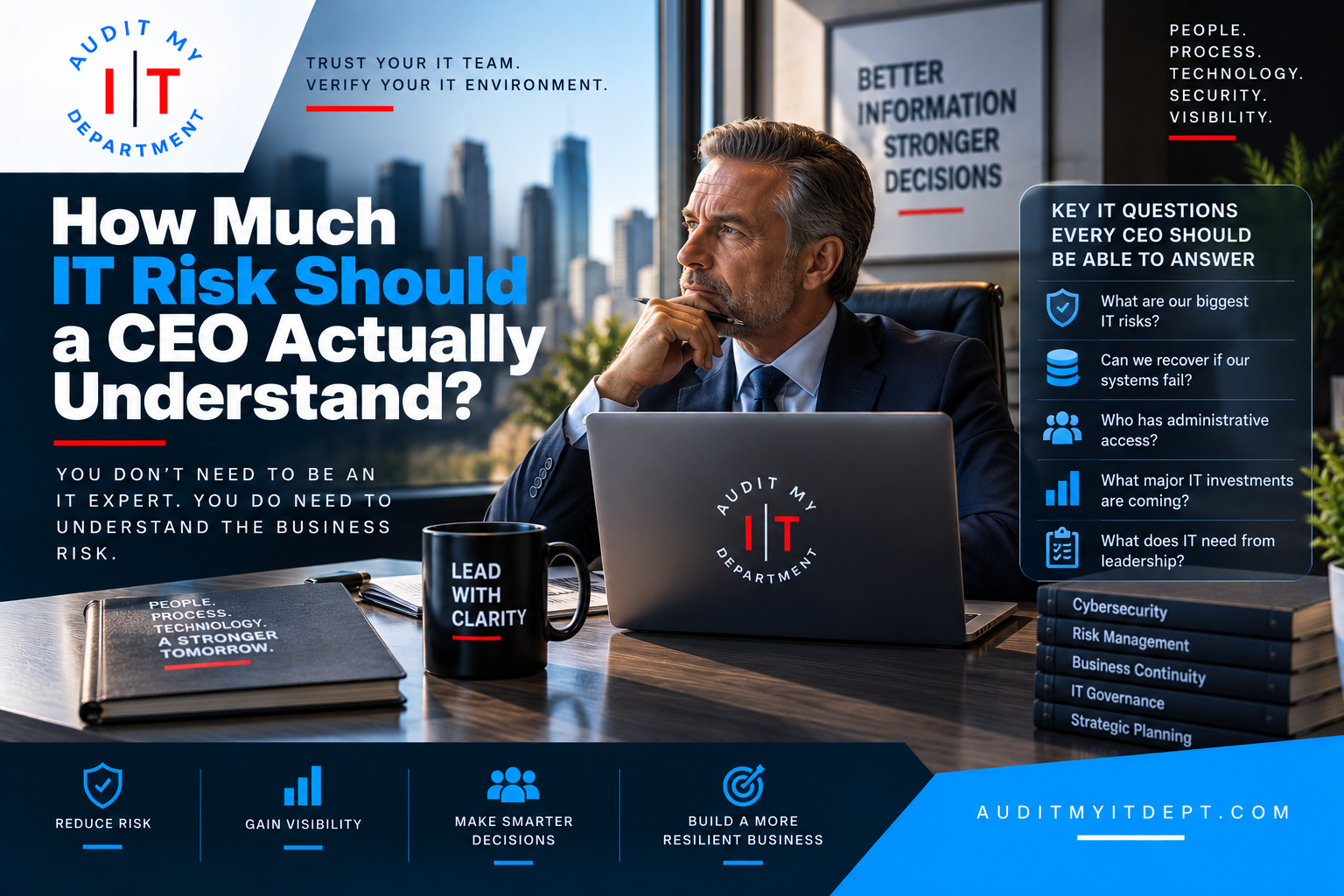
How Much IT Risk Should a CEO Actually Understand?
Most CEOs don’t configure firewalls.
They don’t administer Microsoft 365.
They don’t troubleshoot servers.
They don’t manage endpoint security.
And they probably shouldn’t.
That’s why businesses employ IT professionals and managed service providers.
But there’s a significant difference between managing technology and understanding technology risk.
A CEO doesn’t need to know how every technical control works.
Leadership should, however, understand what could materially affect the business.
You don’t need to know how to configure the firewall. You should know what happens if it fails.
That’s the level of IT understanding executives should strive for.
IT Risk Is Business Risk
Technology is no longer simply a department that keeps computers working.
For many organizations, technology supports nearly every major business function.
Consider what happens when IT stops.
Employees may lose access to:
- Customer information
- Accounting systems
- Banking
- Payroll
- Production systems
- Scheduling
- Shared files
- Business applications
- Phones
- Microsoft 365
- Remote access
A serious technology failure can quickly become an operational failure.
A cybersecurity incident can become a financial problem.
A failed backup can become a business-continuity problem.
A compromised email account can become a fraud problem.
An undocumented IT environment can become a succession problem.
The technology may belong to IT.
The risk belongs to the business.
That’s why CEOs need visibility.
CEOs Don’t Need Technical Answers
One reason executives sometimes disengage from IT is because the conversations become too technical.
Consider this explanation:
“Our EDR platform detected anomalous PowerShell activity on an endpoint associated with a privileged identity.”
That may be useful information for an IT professional.
But leadership needs something different.
For example:
“Our security system detected suspicious activity on an employee’s computer involving an account with elevated access. The device was isolated, we’re investigating the activity, and we currently have no evidence that other systems were affected.”
Now the executive can understand:
- What happened
- Why it matters
- What IT did
- What remains unknown
Good IT governance translates technology into business impact.
1. CEOs Should Understand Their Biggest IT Risks
Start with one question:
“What are our three biggest technology risks?”
Your IT leadership or MSP should be able to answer.
Possible answers might include:
- Aging infrastructure
- Ransomware
- Inadequate recovery capability
- Key-person dependency
- Unsupported software
- Weak documentation
- Internet dependency
- Administrative access
- A critical legacy application
- Inadequate security monitoring
The answer will differ by organization.
What’s important is that leadership knows what the major risks are.
If the CEO doesn’t know, it becomes difficult to make intelligent decisions about technology priorities and budgets.
2. CEOs Should Understand Recovery
Every CEO should know the approximate answer to:
“If our critical systems failed today, how long would it take us to recover?”
Not to the minute.
But leadership should understand the general recovery expectation.
Is it:
- One hour?
- Four hours?
- One day?
- Three days?
- Nobody really knows?
Then ask:
“How much data could we lose?”
Again, the CEO doesn’t need to understand backup architecture.
But leadership should understand the business outcome.
Imagine believing your company could recover in four hours when the actual recovery process could take three days.
That’s a significant difference in business risk.
3. CEOs Should Know Whether Recovery Has Been Tested
There is an important follow-up question:
“When did we last prove that recovery works?”
A backup system may report successful jobs every night.
That’s reassuring.
But a CEO should care about whether critical data and systems can actually be restored.
Ask IT:
“When was our last recovery test?”
Then:
“Was it successful?”
And:
“Did we learn anything that needs to be improved?”
Those are executive-level questions.
No technical expertise required.
4. CEOs Should Understand Cybersecurity Exposure
The CEO doesn’t need a list of every security product installed.
Leadership should understand the company’s major cybersecurity exposure.
Ask:
“What are the three most realistic ways someone could seriously compromise our organization?”
Perhaps the answer is:
- Stolen Microsoft 365 credentials
- Phishing
- Ransomware
- A compromised administrator account
- An unpatched system
- A third-party vendor
- Social engineering
Then ask:
“What are we doing about those risks?”
That conversation is far more valuable than asking:
“Are we cyber secure?”
No responsible IT professional can promise absolute security.
Risk can be reduced.
It cannot be eliminated.
5. CEOs Should Know Who Has the Keys
Administrative access is one of the most powerful forms of access within a technology environment.
CEOs don’t need to know every administrator’s password.
They shouldn’t.
But leadership should know that administrative access is controlled.
Ask:
“Who has administrative access to our critical systems?”
That may include:
- Internal IT
- MSP personnel
- Vendors
- Contractors
- Application administrators
Then ask:
“Do any former employees or previous providers still have privileged access?”
And:
“Are privileged accounts appropriately protected?”
The CEO doesn’t need to administer the accounts.
Leadership needs assurance that someone is managing them appropriately.
6. CEOs Should Understand Key-Person Dependency
Here’s an uncomfortable question:
“What happens if our most knowledgeable IT person doesn’t come to work tomorrow?”
Not because they’re fired.
Not because they’re quitting.
Imagine they’re simply unavailable for 30 days.
Could someone else:
- Access critical systems?
- Understand the network?
- Manage Microsoft 365?
- Find the backups?
- Contact important vendors?
- Recover systems?
- Access documentation?
- Continue ongoing projects?
If the answer is no, the organization has key-person risk.
And that is absolutely something a CEO should understand.
7. CEOs Should Know Whether IT Is Properly Documented
Leadership doesn’t need to read the network diagram.
But it should know whether one exists.
The same applies to:
- Hardware inventory
- Software inventory
- Vendor information
- Administrative access
- Backup procedures
- Recovery procedures
- Critical systems
- Network information
- IT policies
Ask:
“Could another qualified IT professional understand our environment from our documentation?”
That’s the executive question.
IT can determine the technical details.
8. CEOs Should Understand Technology Ownership
This is one area leadership shouldn’t ignore.
Who owns:
- Your domain?
- Microsoft 365?
- Website hosting?
- Cloud services?
- Backup accounts?
- Security platforms?
- Software licenses?
Ideally, the company retains appropriate ownership and control of critical technology assets even when outside vendors manage them.
Ask:
“If our IT provider disappeared tomorrow, would we still control our technology?”
A CEO should know the answer.
9. CEOs Should Understand Upcoming IT Spending
Technology shouldn’t be an endless series of surprise invoices.
IT should be able to tell leadership what’s approaching.
Ask:
“What major technology expenses should we expect over the next one to three years?”
That might include:
- Server replacement
- Computer replacement
- Firewall upgrades
- Software changes
- Security improvements
- Cloud migration
- Licensing changes
- Network upgrades
Technology has a lifecycle.
Strategic planning allows the business to budget instead of reacting.
10. CEOs Should Know What IT Needs From Leadership
This may be one of the most revealing questions in the article.
Ask your IT department:
“What have you recommended that we haven’t approved?”
The answer may surprise you.
IT may have been recommending:
- New backup technology
- Security improvements
- Hardware replacement
- Additional staffing
- MFA
- Better monitoring
- Documentation work
- Disaster-recovery improvements
But leadership may have postponed the investment.
In that situation, the technology risk isn’t simply an IT failure.
It’s a business decision.
That’s why executives need visibility.
11. CEOs Should Understand Major Incidents
Not every IT ticket belongs on the CEO’s desk.
A printer problem?
No.
Someone forgot their password?
Definitely not.
But leadership should have defined expectations around major technology incidents.
Examples may include:
- Significant cyberattacks
- Major outages
- Data loss
- Critical system failures
- Suspected data exposure
- Serious email compromise
- Extended business interruption
Leadership should know:
“What types of IT incidents are serious enough that I should be notified?”
That expectation should be established before an incident occurs.
12. CEOs Should Understand Whether IT Performance Is Being Measured
How does leadership know whether IT is performing effectively?
Ticket counts alone don’t answer that.
Consider broader indicators such as:
- System reliability
- Recurring problems
- Recovery readiness
- Security posture
- Project completion
- Documentation
- User satisfaction
- Technology lifecycle
- Risk reduction
- Strategic progress
The objective isn’t to turn IT into a spreadsheet.
It’s to establish meaningful accountability.
What a CEO Does NOT Need to Know
This is equally important.
A CEO generally does not need to know:
- Firewall configuration commands
- Server IP addresses
- Switch configurations
- Backup software syntax
- Microsoft 365 PowerShell commands
- Endpoint policy settings
- Network routing details
That’s why IT professionals exist.
Trying to micromanage technical decisions can actually make IT management worse.
Executive oversight should focus on outcomes, risk, accountability, and strategy.
The CEO’s IT Dashboard
Imagine receiving a one-page IT executive summary each quarter.
It might contain:
Overall IT Health
Green / Yellow / Red
Cybersecurity
Major risks and significant changes.
Backup & Recovery
Current status and date of last recovery test.
Infrastructure
Major lifecycle or reliability concerns.
IT Operations
Significant trends or recurring issues.
Projects
Major initiatives and status.
Risk
Top three technology risks.
Budget
Upcoming investments.
Decisions Needed
Items requiring executive approval.
That’s much more useful to a CEO than a 75-page technical report.
IT Reporting Should Lead to Decisions
Executives don’t need more data.
They need information that helps them decide.
Good IT reporting should help leadership determine:
Do we need to invest?
Do we need to accept a risk?
Do we need to change a process?
Do we need additional resources?
Do we need to replace technology?
Do we need deeper investigation?
If an IT report doesn’t help leadership understand risk or make decisions, it may be reporting the wrong information.
What If Your CEO Can’t Answer These Questions?
That doesn’t automatically mean the IT department is failing.
The organization may simply have a visibility gap.
IT professionals often focus on operating technology.
Executives focus on running the business.
Nobody may have established a process for translating information between the two.
That’s fixable.
Start with better questions.
Then establish meaningful reporting.
And periodically verify important controls independently.
An Independent IT Audit Helps Close the Visibility Gap
There is a natural limitation when IT reports on itself.
Internal IT manages the environment and reports on its condition.
An MSP provides services and reports on whether those services are working.
That doesn’t imply dishonesty.
It simply means leadership may benefit from an independent perspective.
An independent IT audit can help answer:
- Are backups recoverable?
- Are cybersecurity controls appropriately implemented?
- Is administrative access controlled?
- Is Microsoft 365 being managed appropriately?
- Is documentation adequate?
- Is infrastructure healthy?
- Are major risks visible?
- Is the organization overly dependent on one person or vendor?
- Are there strategic technology concerns?
The goal isn’t to second-guess every technical decision.
It’s to give leadership another source of information.
CEOs Should Ask for Evidence, Not Technical Detail
There’s an important difference.
The CEO doesn’t need to ask:
“Show me the configuration of our backup repository.”
Ask:
“Show me the result of our most recent recovery test.”
Don’t ask:
“Show me every conditional-access policy.”
Ask:
“Are there important accounts without MFA, and why?”
Don’t ask:
“Show me every patch installed last month.”
Ask:
“Do we have critical systems significantly behind on security updates?”
That’s executive oversight.
The Five Questions Every CEO Should Be Able to Answer
If you remember nothing else from this article, remember these:
1. What are our three biggest IT risks?
2. If our systems failed today, could we recover?
3. Who has administrative control over our critical technology?
4. What major technology investments are approaching?
5. What does IT need from leadership that we haven’t approved?
If a CEO can answer those five questions confidently, the organization is already having a much better IT conversation than many businesses.
Trust Your IT Team. Understand Your Risk.
A CEO doesn’t need to become the CIO.
A business owner doesn’t need to become a cybersecurity engineer.
Leadership doesn’t need to understand every technical decision.
But technology is too important to operate entirely outside executive visibility.
You don’t need to know how IT works.
You need to know what happens to the business when it doesn’t.
That’s the difference between technical management and executive oversight.
Do You Have Executive-Level Visibility Into Your IT?
Audit My IT Department provides independent IT assessments designed for business owners, CEOs, CFOs, and leadership teams.
We review areas including cybersecurity, backup and disaster recovery, Microsoft 365, administrative access, documentation, infrastructure, IT operations, business continuity, and technology strategy.
Then we translate the findings into business language leadership can use.
No unnecessary technical jargon. No assumptions. A clearer picture of your technology risk.
Trust your IT team. Verify your IT environment.
REQUEST AN IT AUDIT
847-281-5953
AuditMyITDept.com