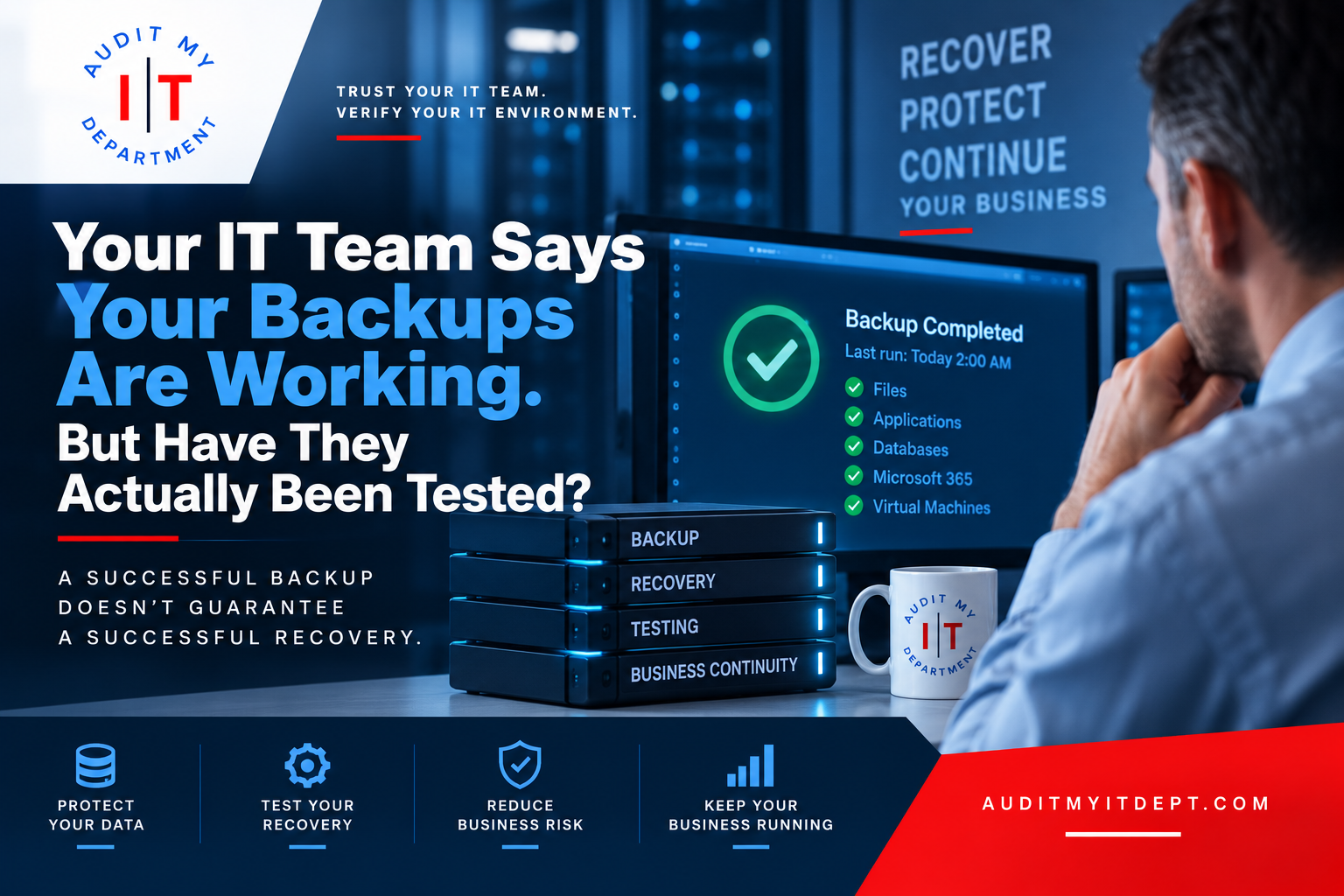
Your IT Team Says Your Backups Are Working. But Have They Actually Been Tested?
Ask almost any business owner whether their company’s data is backed up and you’ll probably hear the same answer:
“Yes.”
Ask a different question, however:
“When was the last time someone actually restored your systems from those backups?”
The answer may be very different.
This distinction matters.
A backup system can report successful jobs every night and still fail when the organization actually needs to recover.
Files may be missing. Critical applications may not be included. Credentials may be unavailable. Recovery procedures may be undocumented. Backups may even be corrupted or accessible to the same ransomware that attacks the production environment.
That’s why business leadership shouldn’t only ask:
“Are we backing up our data?”
The better question is:
“Do we know we can recover?”
A Successful Backup Is Not the Same as a Successful Recovery
Backup software is designed to copy data from one location to another.
When that process completes without generating an error, the system may report the backup as successful.
That’s useful information.
But it doesn’t answer the most important question:
Can the organization actually use that backup to restore operations?
Imagine discovering during an emergency that:
- A critical server wasn’t included in the backup.
- An important database hasn’t been properly protected.
- Backup credentials aren’t available.
- The backup repository was encrypted by ransomware.
- Nobody knows the recovery procedure.
- Restoring the data will take several days.
- The most recent usable backup is weeks old.
Technically, your organization may have been performing backups.
Operationally, however, you may not have had an effective recovery strategy.
Why Recovery Testing Matters
The purpose of a backup isn’t to create another copy of data.
The purpose is to enable recovery.
Testing helps verify that the entire process works.
A proper recovery test can answer questions such as:
- Can individual files be restored?
- Can an entire server be recovered?
- Are databases recoverable?
- Are Microsoft 365 services adequately protected?
- Are backup credentials available during an emergency?
- How long does recovery actually take?
- Can the business operate while recovery occurs?
- Are recovery procedures documented?
- Does the IT team know who is responsible for each step?
These questions are difficult to answer by looking at a green “Backup Successful” message.
They require actual verification.
What Exactly Is Your Company Backing Up?
Leadership doesn’t need to understand every technical backup setting.
But someone should be able to clearly identify what information and systems are protected.
That might include:
- Servers
- Business applications
- Databases
- Employee files
- Shared drives
- Microsoft 365 data
- Virtual machines
- Cloud applications
- Critical configuration information
- Financial or operational data
This becomes especially important as organizations adopt more cloud services.
There is a common assumption that because information is “in the cloud,” it is automatically backed up according to the organization’s specific recovery requirements.
That assumption should be verified.
Where Are Your Backups Stored?
Backup location matters almost as much as backup frequency.
If production systems and backups are accessible through the same environment, a cybersecurity incident may affect both.
Ransomware operators understand that backups are one of the primary obstacles preventing organizations from paying ransom.
As a result, attackers may deliberately attempt to:
find, disable, delete, or encrypt backups.
A mature backup strategy may therefore include protections such as:
- Off-site storage
- Separate authentication
- Restricted administrative access
- Immutable backup copies
- Offline or isolated recovery copies
- Multiple backup locations
The exact strategy depends on the organization.
The important point is that leadership should know whether an incident affecting production systems could also destroy the organization’s ability to recover.
Who Is Monitoring the Backups?
Automated backups still require human oversight.
Someone should be responsible for answering:
- Did last night’s backups complete?
- Were there any failures?
- Were those failures investigated?
- Has backup capacity become an issue?
- Have new systems been added to protection?
- Are old systems still being backed up unnecessarily?
- Are retention policies appropriate?
- When was the last recovery test?
A backup failure that generates an alert isn’t necessarily a major problem.
A backup failure that nobody notices for six months can be.
How Much Data Could Your Business Afford to Lose?
This question introduces an important concept known as the Recovery Point Objective, or RPO.
Despite the technical name, the business question is simple:
How far backward in time could we afford to go?
Suppose your most recent usable backup were from yesterday at midnight.
If a system failed at 4:00 PM today, the organization might lose approximately 16 hours of information.
Would that be acceptable?
For some systems, perhaps.
For others, absolutely not.
Different systems may therefore require different backup frequencies.
This isn’t purely an IT decision.
It’s a business decision.
Leadership needs to determine how much information the organization can realistically afford to lose.
How Long Could Your Business Afford to Be Down?
Another important concept is the Recovery Time Objective, or RTO.
Again, the underlying question is straightforward:
How quickly does this system need to be operational again?
An organization may be able to tolerate an internal archival system being unavailable for two days.
The same organization may not be able to tolerate its primary business application being unavailable for more than two hours.
The appropriate recovery strategy depends on those business requirements.
If leadership expects systems to recover within two hours but the existing backup solution requires two days, there is a major gap between expectation and capability.
An audit can help uncover that gap before an emergency.
“We Back Up Every Night” Doesn’t Answer the Question
Consider two organizations.
Company A
Backups run every night.
The IT department receives successful backup reports.
Nobody has performed a complete recovery test in three years.
Recovery procedures aren’t documented.
Leadership assumes everything can be restored quickly.
Company B
Backups also run every night.
But the organization periodically restores data.
Recovery procedures are documented.
Critical systems have defined recovery priorities.
Backup access is protected.
Leadership understands approximately how long recovery should take.
Both organizations can say:
“We perform nightly backups.”
But their actual level of preparedness is very different.
Microsoft 365 Deserves Attention Too
Many businesses have moved significant amounts of information into Microsoft 365.
Email, SharePoint, OneDrive, and Teams may contain some of the organization’s most important business information.
Because Microsoft operates the infrastructure, leadership may assume traditional backup considerations no longer apply.
But cloud availability and organizational data-recovery requirements aren’t necessarily the same thing.
Organizations should understand:
- What Microsoft protects
- What retention settings exist
- Whether additional backup capabilities are being used
- How deleted or compromised information would be recovered
- How long information is retained
- Who can perform a recovery
The right approach depends on the organization’s requirements.
The key is understanding what protection actually exists rather than relying on assumptions.
What Happens During a Ransomware Attack?
Backup strategy becomes especially important during cybersecurity incidents.
Imagine ransomware encrypts dozens of computers and critical servers.
The organization decides not to pay the attacker because it has backups.
That’s excellent—assuming those backups are usable.
Now the questions begin:
Are the backups clean?
Were they affected by the attack?
How far back do we need to restore?
Which systems should be restored first?
Where will they be restored?
How long will the process take?
Who coordinates the recovery?
These aren’t questions you want to answer for the first time during an incident.
Your Recovery Plan Should Be Documented
A successful recovery shouldn’t depend entirely on one IT professional remembering what to do.
Organizations should maintain documentation covering critical recovery information.
Depending on the environment, that may include:
- Backup systems
- Recovery credentials
- Vendor contacts
- System priorities
- Recovery procedures
- Application dependencies
- Emergency contacts
- Network information
- Recovery locations
Documentation also provides continuity if the person who normally manages backups isn’t available during the incident.
Leadership Doesn’t Need to Perform the Test
Business owners don’t need to personally restore servers or examine backup logs.
That’s the IT team’s job.
Leadership’s role is different.
Leadership should ask for evidence that the process has been verified.
A few reasonable questions can provide tremendous insight:
When was our last successful recovery test?
What did we restore?
How long did it take?
Were any problems discovered?
Have those problems been corrected?
What would we restore first during a major outage?
Could ransomware destroy our backups?
A capable IT department or MSP should be able to discuss these questions.
An Independent Assessment Can Verify the Recovery Strategy
Backup systems can become complicated.
Multiple servers, cloud platforms, remote offices, Microsoft 365, employee devices, databases, and specialized applications may all require different protection strategies.
An independent IT assessment provides another set of eyes.
The goal isn’t to replace the people managing the backups.
It’s to independently determine whether the organization has reasonable answers to questions such as:
- Is critical information protected?
- Are backup jobs being monitored?
- Are failures being addressed?
- Are backups sufficiently isolated?
- Are recovery procedures documented?
- Have restores actually been tested?
- Do recovery capabilities align with business expectations?
That gives leadership something more valuable than a successful backup report.
It provides confidence in the organization’s ability to recover.
Don’t Discover Your Backup Problem During an Emergency
There are many IT problems that can be fixed after they’re discovered.
Backup failure is different.
Sometimes the opportunity to recover missing information is already gone.
That’s why recovery capability should be verified before it is needed.
Your IT team may have an excellent backup strategy.
Your MSP may be testing restores regularly.
Your backups may be isolated, monitored, documented, and completely recoverable.
That’s exactly what you want to discover.
But don’t simply assume it.
Verify it.
Trust Your IT Team. Verify Your Recovery.
The most important question isn’t:
“Are our backups running?”
It’s:
“If something happened today, could we recover?”
If leadership doesn’t know the answer, an independent assessment can help provide it.
Do You Know If Your Business Can Recover?
Audit My IT Department independently reviews backup and disaster recovery as part of a broader assessment of your technology environment.
We help leadership understand what’s protected, where potential gaps exist, and whether recovery capabilities align with the needs of the business.
Don’t wait for a disaster to test your recovery plan.
REQUEST AN IT AUDIT
847-281-5953
AuditMyITDept.com