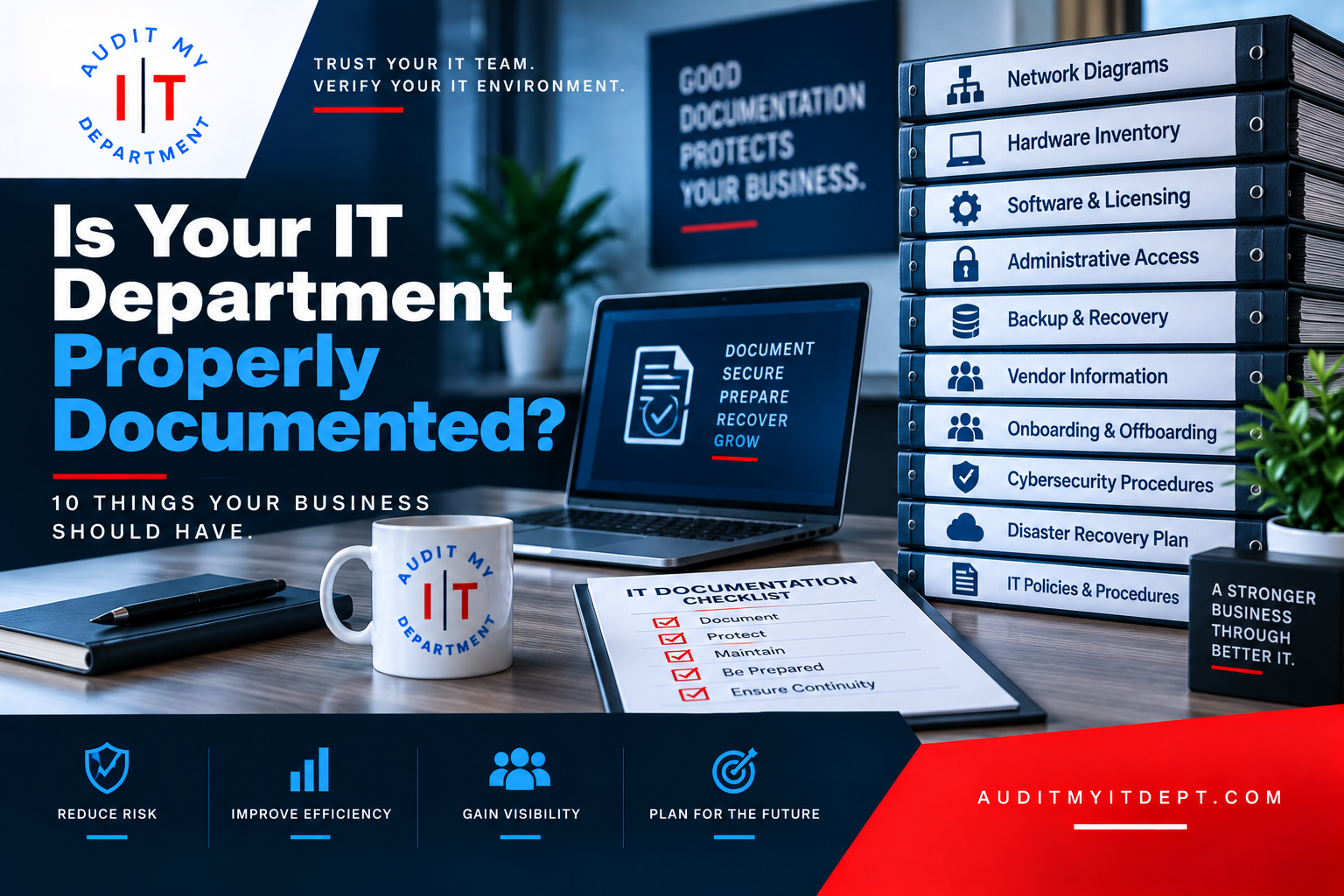
Is Your IT Department Properly Documented? 10 Things Your Business Should Have
Most business owners assume their IT environment is documented.
There are probably passwords somewhere.
Someone knows how the network works.
The IT provider has records.
The person who installed the server remembers how it was configured.
The Microsoft 365 administrator knows which accounts are important.
And when something breaks, somebody usually knows what to do.
Until that person isn’t available.
That’s when a business discovers the difference between having IT knowledge and having IT documentation.
If critical information about your technology exists primarily inside someone’s head, your business has a risk.
It doesn’t necessarily mean your IT department is doing a poor job.
In fact, some extremely capable IT professionals become the greatest source of key-person dependency precisely because they know the environment so well.
The problem is that the business becomes dependent on that knowledge.
Good IT documentation changes that.
It creates an organized record of how the company’s technology works, who has access to it, what systems exist, how they are supported, and what needs to happen when something goes wrong.
Here are ten areas every business should consider documenting.
1. Network Documentation
Start with the foundation.
Your organization should have enough information for another qualified IT professional to understand how the network is structured.
Depending on the environment, documentation may include:
- Internet connections
- Firewalls
- Routers
- Network switches
- Wireless access points
- Servers
- Network segments
- VPN connections
- Remote offices
- Critical IP addresses
- Internet providers
- Important network configurations
For more complex environments, a network diagram can be extremely useful.
The objective isn’t to create a beautiful technical drawing that nobody ever uses.
It’s to answer a practical question:
If the person who manages our network disappeared tomorrow, could another qualified professional understand how it works?
If the answer is no, documentation deserves attention.
2. Hardware Inventory
Do you know what technology your company owns?
That sounds like a simple question.
For many businesses, it isn’t.
Over the years, organizations accumulate:
- Desktop computers
- Laptops
- Servers
- Firewalls
- Switches
- Wireless equipment
- Printers
- Mobile devices
- Storage systems
- Conference-room equipment
- Specialized hardware
A useful hardware inventory may include:
- Device type
- Manufacturer
- Model
- Serial number
- Assigned user
- Location
- Purchase date
- Warranty information
- Operating system
- Replacement status
This information becomes especially valuable when planning budgets.
Instead of discovering that twenty computers suddenly need replacement, leadership can see what’s approaching end of life and plan accordingly.
3. Software and Licensing
Businesses also need visibility into the software they depend on.
Documentation should identify important applications and services such as:
- Microsoft 365
- Accounting software
- CRM systems
- ERP platforms
- Industry-specific applications
- Cybersecurity tools
- Backup software
- Remote-access platforms
- Cloud services
- Line-of-business applications
For critical systems, the business should understand:
Who owns the account?
Who administers it?
How is it licensed?
Who supports it?
When does the contract renew?
What happens if it stops working?
Without this information, businesses can become unnecessarily dependent on individual employees or vendors.
4. Administrative Accounts and Credentials
This is one of the most important documentation areas.
Who has administrative control over your technology?
That may include access to:
- Microsoft 365
- Servers
- Firewalls
- Network equipment
- Domain registration
- Website hosting
- Backup platforms
- Cloud systems
- Cybersecurity tools
- Business applications
- DNS
- Internet accounts
Administrative credentials should be handled securely.
That does not mean printing every password and putting the list in an unlocked desk drawer.
It means the organization should have an appropriate, secure method for storing and recovering critical credentials.
Leadership should know that the company can regain control of its systems if necessary.
Your IT provider may manage your technology, but your business should not lose control of its technology.
5. Backup and Recovery Documentation
We’ve talked about backups in previous articles because they’re important enough to deserve repeated attention.
But backups also need documentation.
Your organization should understand:
- What is backed up
- What isn’t backed up
- How often backups run
- Where backup copies are stored
- How long they’re retained
- Who monitors them
- How failures are handled
- How recovery is initiated
- Who has access to the backup platform
- When recovery was last tested
Imagine ransomware has just disrupted your environment.
That is not the time to begin figuring out how the backup system works.
Recovery information should already exist.
6. Vendor and Support Information
Modern businesses often depend on many technology vendors.
Examples include:
- Internet providers
- Phone providers
- Managed IT companies
- Software vendors
- Website providers
- Cloud providers
- Security companies
- Copier vendors
- Application consultants
Your documentation should identify:
- Vendor name
- Service provided
- Support contact information
- Account information
- Contract information
- Renewal dates
- Escalation contacts
Why does this matter?
Imagine your internet connection fails and the employee who normally handles the provider is on vacation.
Does anyone else know:
- Who the provider is?
- What the account number is?
- Who is authorized to call?
- Which support number to use?
Simple documentation can dramatically reduce wasted time during an outage.
7. Employee Onboarding and Offboarding Procedures
Adding and removing employees should not depend on someone remembering all the necessary steps.
A documented onboarding process may include:
- Microsoft 365 account
- Computer setup
- MFA
- Security groups
- Shared folders
- Business applications
- VPN
- Phone system
- Printers
- Security training
- Required software
Offboarding should address many of the same areas in reverse.
But there may also be additional steps involving:
- Disabling accounts
- Resetting sessions
- Removing remote access
- Recovering equipment
- Transferring files
- Transferring email
- Removing application access
- Removing administrative privileges
- Preserving necessary business information
A checklist helps prevent something from being forgotten.
Especially when a departure happens unexpectedly.
8. Cybersecurity Procedures
Security isn’t just about buying products.
Someone needs to know what happens when those products identify a problem.
Useful cybersecurity documentation may include procedures for:
- Suspicious emails
- Malware detections
- Lost devices
- Compromised accounts
- Password resets
- Security alerts
- Unauthorized access
- Ransomware
- Data incidents
- Vendor security issues
Employees don’t need a 200-page cybersecurity manual.
But the appropriate people should know:
Who gets called when something goes wrong?
And those instructions should exist somewhere other than someone’s memory.
9. Disaster Recovery and Business Continuity
Backup documentation explains how data is protected.
Disaster-recovery documentation goes further.
It asks:
How do we get the business operating again?
Documentation may identify:
- Critical systems
- Recovery priorities
- Recovery contacts
- Backup locations
- Required vendors
- Communication procedures
- Alternate working arrangements
- Internet contingencies
- Server recovery
- Cloud recovery
- Important dependencies
Not every business needs an enormous disaster-recovery binder.
But every business should have considered what happens when critical technology becomes unavailable.
10. IT Policies and Procedures
Finally, recurring IT activities should be documented where appropriate.
These might include:
- Patch management
- User provisioning
- Password management
- Administrative access
- Equipment replacement
- Software installation
- Remote access
- Vendor management
- Backup monitoring
- Security escalation
- Help-desk procedures
- Change management
The goal isn’t bureaucracy.
The goal is consistency.
When important processes are documented, the organization becomes less dependent on individual memory and more capable of producing repeatable results.
Documentation Should Belong to the Business
This point deserves special attention.
Sometimes a business discovers that its IT documentation exists entirely inside its managed service provider’s proprietary system.
The MSP may have excellent documentation.
That’s good.
But leadership should understand what information exists and what happens if the relationship ends.
Ask your provider:
“If we ever changed IT companies, what documentation about our environment would be provided to us?”
That’s a reasonable business question.
It doesn’t mean you’re planning to terminate the provider.
It means you’re thinking about continuity.
Your organization should maintain appropriate ownership or accessibility to information necessary to operate its technology.
Documentation Is Not the Same as a Password List
This is another common misunderstanding.
A spreadsheet containing passwords isn’t an IT documentation system.
Passwords are one component—and they require secure handling.
Real documentation explains the environment.
It helps another qualified professional understand:
What exists.
Where it is.
What it does.
Who owns it.
How it connects.
How it’s managed.
How it’s recovered.
Who supports it.
That’s much more valuable than a collection of credentials.
Documentation Must Be Current
There is another problem.
Documentation can exist and still be useless.
Consider a network diagram created five years ago.
Since then:
- The firewall changed
- Two servers were replaced
- Microsoft 365 was implemented
- A new office opened
- The backup system changed
- Several applications moved to the cloud
Technically, the company has documentation.
Practically, it doesn’t.
Documentation should reflect the environment that exists today.
That means maintaining it should be part of normal IT operations—not something done once and forgotten.
The 30-Day IT Absence Test
Here’s a simple thought experiment for leadership.
Imagine your primary IT person or provider suddenly becomes completely unavailable for 30 days.
No phone calls.
No emails.
No remote assistance.
Nothing.
Could another qualified IT professional determine:
- How your network works?
- Which systems are critical?
- Where backups are located?
- How Microsoft 365 is administered?
- Who controls the domain?
- Which vendors support important systems?
- Where administrative credentials are securely stored?
- Which employees have privileged access?
- How to recover critical systems?
- What technology needs immediate attention?
If the answer to several of those questions is no, your organization may have significant documentation dependency.
Poor Documentation Can Hide Excellent IT Work
There’s another side to this.
Sometimes an IT department is doing excellent technical work but isn’t documenting it effectively.
Leadership sees little evidence of what’s happening.
Projects aren’t recorded.
Network changes aren’t documented.
Security improvements aren’t summarized.
Technology planning exists mostly in conversations.
As a result, the IT team may actually be undervaluing its own work.
Good documentation protects the business.
But it also helps demonstrate the value of the people managing the technology.
Documentation Helps Your IT Team
An independent review of documentation shouldn’t be viewed as criticism of IT.
Better documentation can make IT professionals more effective.
It can:
- Reduce repeated troubleshooting
- Improve onboarding
- Simplify vendor support
- Accelerate recovery
- Improve project planning
- Reduce interruptions
- Make vacations easier
- Improve knowledge transfer
- Reduce key-person dependency
Documentation isn’t about replacing people.
It’s about making knowledge transferable.
What Should Leadership Ask For?
You don’t need to ask your IT department for every technical document tomorrow morning.
Start with a few questions.
Ask:
Do we have a current network diagram?
Do we have an accurate hardware inventory?
Do we know who has administrative access?
Do we have documented backup and recovery procedures?
Do we have a list of our critical technology vendors?
Is employee offboarding documented?
Do we have a disaster-recovery plan?
Where are our critical IT credentials securely stored?
Who updates our IT documentation?
And perhaps most importantly:
“Could another qualified IT professional understand our environment using the documentation we have today?”
The answer tells you a lot.
How an Independent IT Audit Helps
Documentation is one of the areas that should be reviewed during an independent IT assessment.
At Audit My IT Department, the question isn’t simply:
“Do you have documentation?”
The more useful questions are:
Does it cover the critical areas?
Is it accurate?
Is it current?
Is it accessible to the appropriate people?
Does the business retain appropriate control?
Could it support continuity if key IT personnel became unavailable?
An independent review can identify gaps that may be difficult to see from inside the environment.
Trust Your IT Team. Verify Your Documentation.
Your IT team may know your technology environment extremely well.
That’s valuable.
But the organization shouldn’t be completely dependent on that knowledge remaining inside one person’s head.
Good documentation turns individual knowledge into organizational knowledge.
It protects the business.
It helps IT.
It improves recovery.
It strengthens continuity.
And it gives leadership greater visibility into one of the company’s most important operational functions.
Trust your IT team. Verify your IT environment.
Is Your IT Environment Properly Documented?
Audit My IT Department provides independent IT assessments designed to help business owners and leadership understand the health of their technology environment.
We review areas including cybersecurity, backup and disaster recovery, Microsoft 365, administrative access, infrastructure, IT operations, documentation, and technology strategy.
If your business is unsure whether its IT documentation would survive the loss of a key employee or provider, that’s something worth finding out before an emergency occurs.
Don’t guess. Know.
REQUEST AN IT AUDIT
847-281-5953
AuditMyITDept.com