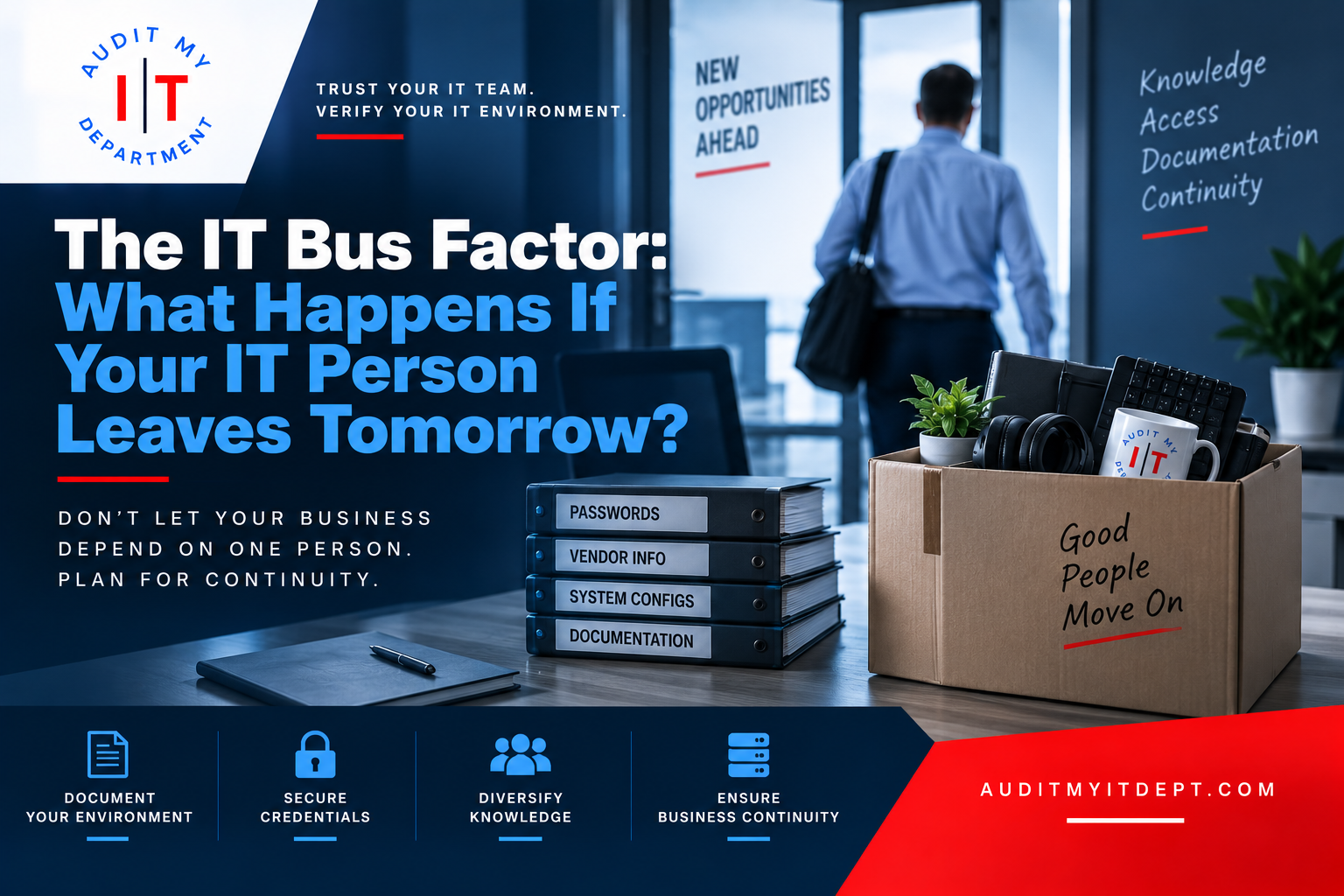
The IT Bus Factor: What Happens If Your IT Person Leaves Tomorrow?
Here’s a question most business owners don’t want to think about:
What would happen if the person who knows everything about your IT environment suddenly wasn’t available tomorrow?
Maybe they resign.
Maybe they retire.
Maybe they become seriously ill.
Maybe your outsourced IT provider suddenly closes.
Or perhaps the relationship with an IT employee or vendor ends unexpectedly.
Would another qualified IT professional be able to step in and manage your technology?
Or would your company discover that critical passwords, configurations, vendor information, procedures, and institutional knowledge existed primarily in one person’s head?
This risk is sometimes called the bus factor.
Despite the unusual name, it represents a very serious business continuity issue.
What Is the IT Bus Factor?
The bus factor describes how dependent an organization is on specific individuals.
If losing one person would cause significant operational problems because nobody else has their knowledge or access, the organization has a low bus factor.
IT departments are particularly vulnerable to this problem.
Over many years, one IT professional may accumulate knowledge about:
- Servers
- Networks
- Firewalls
- Microsoft 365
- Backups
- Administrative passwords
- Cloud services
- Business applications
- Vendors
- Licensing
- Internet providers
- Domains
- DNS
- Security systems
- Old equipment
- Historical technology decisions
The individual may be exceptionally talented.
That’s good.
But when the business becomes completely dependent on that individual’s knowledge, talent becomes a single point of failure.
The Problem Usually Develops Gradually
Companies rarely decide:
“We’re going to make one person the only individual who understands our technology.”
It happens naturally.
A company hires an IT administrator.
The business grows.
New systems are added.
The IT administrator configures them.
Years pass.
Employees come and go.
New applications appear.
Servers are replaced.
Cloud services are introduced.
The IT professional continues managing everything.
Eventually, that person becomes the organization’s unofficial technology encyclopedia.
Everyone knows:
“Ask John. John knows how that works.”
That arrangement can work perfectly for years.
Until John isn’t there.
Warning Sign #1: Nobody Else Has Administrative Access
Leadership doesn’t necessarily need administrative passwords sitting in the CEO’s desk drawer.
But the organization should have a controlled process ensuring it can obtain administrative access when necessary.
Critical systems may include:
- Microsoft 365
- Domain registration
- DNS
- Firewalls
- Servers
- Backup platforms
- Cloud applications
- Network equipment
- Security systems
- Website hosting
- Internet provider portals
If one employee or vendor is the only person capable of accessing these systems, the organization may be dangerously dependent on them.
Ask:
“If our IT administrator became unavailable today, how would we gain administrative access to our systems?”
There should be a clear answer.
Warning Sign #2: Critical Passwords Aren’t Centrally Managed
Passwords shouldn’t live in:
- Personal notebooks
- Spreadsheets on someone’s desktop
- Sticky notes
- Individual browser password managers
- Personal email accounts
- Someone’s memory
Organizations should have a secure, controlled method for managing privileged credentials.
That doesn’t mean everyone should have access.
Quite the opposite.
Access should be tightly restricted.
But the business must retain control of its credentials.
No employee or outside provider should become the sole gatekeeper to critical business systems.
Warning Sign #3: There Is Little or No IT Documentation
Documentation is one of the clearest ways to reduce key-person dependency.
A properly documented environment may include information about:
- Network architecture
- Servers
- Firewalls
- Internet connections
- IP addressing
- Microsoft 365
- Cloud services
- Business applications
- Vendors
- Software licensing
- Backup systems
- Recovery procedures
- Equipment inventories
- Administrative processes
Documentation doesn’t need to explain every mouse click.
It should provide enough information that another qualified IT professional can understand the environment and begin managing it.
Warning Sign #4: Only One Person Understands the Backups
Backup systems deserve special attention.
Imagine your primary IT administrator becomes unavailable during the same week a server fails.
Does anyone else know:
- Which backup platform is being used?
- Where backups are stored?
- How to access them?
- How to perform a restore?
- Who to contact for support?
- Which systems should be recovered first?
A backup that only one person knows how to recover creates another single point of failure.
Recovery procedures should be documented and periodically tested.
Warning Sign #5: Vendor Relationships Belong to an Employee Instead of the Company
Your company may rely on many technology vendors.
For example:
- Internet providers
- Software vendors
- Copier companies
- Phone providers
- Cybersecurity vendors
- Cloud providers
- Hardware suppliers
- Website providers
- Backup providers
If those relationships exist primarily through one IT employee’s email account, continuity can become difficult.
Leadership should have visibility into:
- Who the vendors are
- What they provide
- Contract information
- Account ownership
- Renewal dates
- Support contacts
Technology vendor relationships should ultimately belong to the business, not an individual employee.
Warning Sign #6: Important Accounts Use Personal Email Addresses
This is more common than many organizations realize.
Someone creates an important technology account years ago using their individual email address.
Eventually that employee leaves.
Now password resets, verification codes, invoices, and administrative notifications may still be tied to that account.
Whenever practical, important business technology accounts should be registered using organizationally controlled addresses or processes.
That reduces dependency on individual employees.
What If Your IT Is Outsourced?
The bus factor isn’t limited to internal IT departments.
A business can become equally dependent on an outside MSP or individual consultant.
Ask:
If we changed IT providers tomorrow, could another provider take over?
A healthy IT relationship should allow an orderly transition.
The organization should retain control over critical assets and information.
That includes things such as:
- Domain ownership
- Microsoft 365 tenancy
- Administrative credentials
- Documentation
- Hardware
- Licensing
- Backup data
- Vendor information
Your MSP may manage these resources.
But wherever appropriate, your company should own them.
What About a One-Person IT Department?
Small and midsize organizations frequently have one internal IT professional.
That isn’t automatically a problem.
One qualified person may be perfectly capable of managing the environment.
The risk comes from having no continuity plan.
A one-person department can reduce its bus-factor risk through:
- Strong documentation
- Secure credential management
- Outside technical partnerships
- Cross-training
- Vendor documentation
- Recovery procedures
- Periodic independent reviews
The goal isn’t necessarily to hire another full-time employee.
It’s to ensure the organization isn’t helpless if the primary person becomes unavailable.
Your Best IT Employee May Create the Biggest Dependency
There’s an irony here.
The employee creating the bus-factor risk may be one of your best employees.
They’re dependable.
They solve everything.
Employees trust them.
They’ve been with the organization for years.
They know every system.
That’s exactly why the dependency develops.
Reducing key-person risk isn’t a criticism of that employee.
It’s protecting both the organization and the employee.
Good documentation and shared processes mean the IT professional can:
- Take vacations
- Delegate responsibilities
- Focus on strategic projects
- Avoid being contacted for every emergency
- Transition responsibilities more easily
Reducing dependency can actually make the IT department healthier.
Test Your IT Continuity Without Losing Anyone
You don’t need to wait for your IT administrator to resign to find out whether you have a problem.
Conduct a simple exercise.
Imagine that person is unavailable for the next 30 days.
Then ask:
Could we access Microsoft 365 administration?
Could we contact our technology vendors?
Could we restore our backups?
Could we access our firewall?
Could we renew our domain?
Could another technician understand our network?
Could we identify our software licenses?
Could we onboard a new employee?
Could we disable a departing employee?
Could we respond to a cybersecurity incident?
Every question that produces:
“I’m not sure.”
deserves attention.
Documentation Isn’t Enough by Itself
Having documentation is excellent.
But documentation needs to be:
Current
Information from five years ago may be worse than having no documentation at all.
Accessible
Documentation shouldn’t be stored somewhere nobody else can access during an emergency.
Secure
Sensitive technical information must be protected appropriately.
Understandable
Another qualified IT professional should be able to use it.
Maintained
Documentation should change as the environment changes.
Creating documentation once and forgetting about it doesn’t solve the problem.
Leadership Should Know Who Owns the Keys
Business owners don’t need daily access to every administrative system.
But they should know the organization retains ultimate control.
Think of your IT environment like a commercial building.
You may hire someone else to manage the building.
They may control access.
They may maintain the equipment.
They may handle emergencies.
But you would never knowingly allow that individual to become the only person capable of entering the building.
Your digital infrastructure deserves the same consideration.
An Independent IT Audit Can Identify Key-Person Risk
Key-person dependency can be difficult to identify from inside an organization.
Everything may work normally.
The IT person is available.
Systems function.
Employees receive support.
There appears to be no problem.
An independent assessment can deliberately examine continuity questions such as:
- Who has administrative access?
- Where are credentials maintained?
- Does documentation exist?
- Are backups recoverable without one individual?
- Are vendor relationships documented?
- Does the company own its technology accounts?
- Are critical processes repeatable?
- Could another professional take over?
These questions reveal risks that ordinary IT monitoring may never detect.
Don’t Wait Until the Farewell Email
When a critical IT employee announces they’re leaving, leadership often suddenly realizes how much knowledge resides with that person.
Then begins the rush to document years of information in two weeks.
That’s not an ideal continuity strategy.
The better approach is to prepare while everything is working normally.
Your organization should be able to say:
“We value our IT people tremendously, but the business isn’t dependent on any one individual.”
That’s the goal.
Trust Your IT People. Protect Your Business.
Strong organizations don’t eliminate key-person dependency because they distrust employees.
They do it because people and circumstances change.
Employees retire.
Careers change.
Vendors change.
Companies merge.
People get sick.
Unexpected events happen.
Your technology environment needs to survive those changes.
The business should own its IT knowledge—not any single individual.
Would Your IT Environment Survive a Sudden Transition?
Audit My IT Department independently reviews documentation, administrative access, backup and recovery, IT operations, infrastructure, cybersecurity, and technology ownership.
We help leadership identify hidden dependencies before they become emergencies.
If your IT person disappeared tomorrow, would your business know what to do?
It’s better to answer that question today.
REQUEST AN IT AUDIT
847-281-5953
AuditMyITDept.com