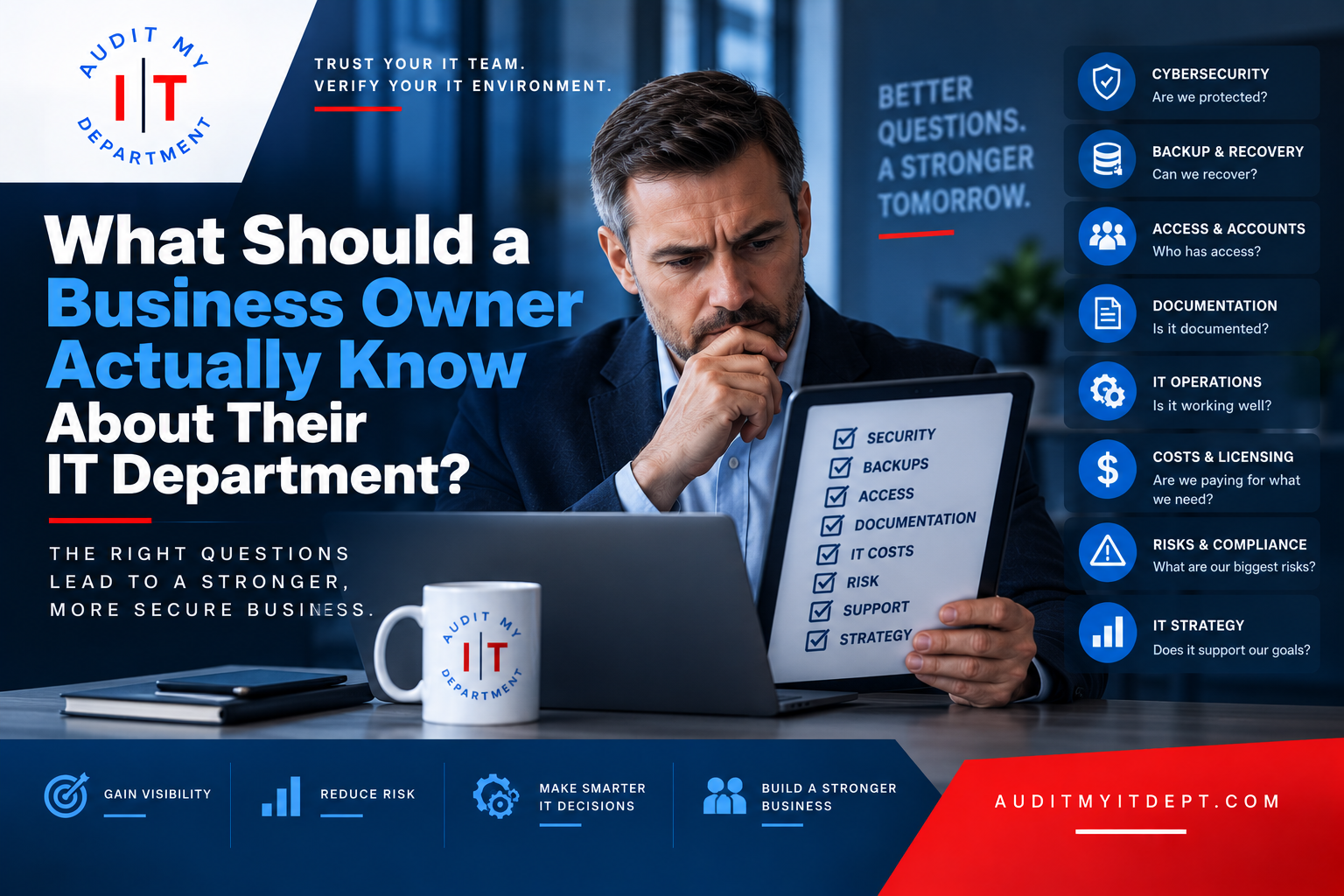
What Should a Business Owner Actually Know About Their IT Department?
Most business owners don’t want to become IT experts.
Nor should they have to.
You hire internal IT professionals or an outside managed service provider so someone with technical expertise can manage your technology.
But delegating IT responsibility doesn’t mean leadership should have zero visibility into IT.
Technology now touches nearly every important part of a business—from communications and financial systems to customer information, cybersecurity, operations, and business continuity.
The challenge is determining what leadership actually needs to know.
You don’t need to understand firewall rules, PowerShell scripts, network protocols, or server configurations.
You do need answers to several important business questions.
Here are the areas every business owner or executive should understand about their IT environment.
1. Who Is Ultimately Responsible for Your IT?
Start with something that sounds simple:
Who is responsible for IT?
The answer should be clear.
Perhaps you have:
- An internal IT director
- An IT manager
- A small internal IT department
- An outsourced managed service provider
- A combination of internal and outsourced IT
- Several vendors responsible for different systems
Whatever the arrangement, leadership should understand who has overall responsibility.
When multiple vendors are involved, this becomes especially important.
Your internet provider may manage connectivity.
Another company may manage phones.
An MSP may manage computers.
A software vendor may support your primary application.
A cybersecurity provider may manage security tools.
But when something significant happens, who owns the problem?
Leadership should know.
2. Who Has Administrative Access?
Administrative accounts are essentially the master keys to your technology environment.
They can potentially:
- Create users
- Delete users
- Access sensitive systems
- Change security settings
- Install software
- Modify Microsoft 365
- Access backups
- Change network configurations
Business owners don’t need a daily list of every administrator.
But leadership should know that privileged access is controlled, documented, and periodically reviewed.
You should also know whether outside vendors retain administrative access.
For example:
Does your current MSP have access?
Does your previous MSP still have access?
Do former employees have accounts?
Are there shared administrator passwords?
Are administrative accounts protected with multifactor authentication?
These are governance questions, not merely technical questions.
3. Are Your Backups Actually Recoverable?
We’ve discussed this before because it is one of the most important areas of IT oversight.
Leadership should not settle for:
“Yes, we have backups.”
Ask:
When was the last time we successfully restored something from them?
You should understand:
- What is backed up
- Where backups are stored
- How frequently they run
- Who monitors them
- Whether they are protected from ransomware
- When recovery was last tested
- Approximately how long recovery would take
The objective isn’t to review backup logs yourself.
The objective is to know whether the business can recover if technology fails.
4. How Is Your Company Protected Against Cyberattacks?
Business owners don’t need to understand every cybersecurity product.
But you should understand your organization’s overall security strategy.
Ask whether your company has controls covering areas such as:
- Multifactor authentication
- Endpoint security
- Email security
- Security updates
- Firewall protection
- Employee security awareness
- Password practices
- Administrative privileges
- Remote access
- Data protection
More importantly, ask:
How do we know these protections are actually working?
Buying cybersecurity software isn’t the same as managing cybersecurity.
Tools need to be configured, monitored, maintained, and periodically reviewed.
5. What Happens When an Employee Leaves?
Employee offboarding is an excellent indicator of IT process maturity.
When someone leaves your organization, there should be a repeatable process.
Depending on the employee, IT may need to address:
- Microsoft 365
- Business applications
- VPN access
- Cloud platforms
- Company computers
- Mobile devices
- Shared accounts
- Administrative access
- File ownership
- Passwords
- Physical access systems
Leadership should be confident that terminated employees don’t retain unnecessary access to company systems.
This becomes especially important when the departing employee had administrative or financial responsibilities.
6. Is Your IT Environment Documented?
Ask your IT department:
“If you weren’t here tomorrow, could another qualified IT professional understand our environment?”
The answer should be yes.
Documentation may include:
- Network diagrams
- Hardware inventories
- Software inventories
- Vendor information
- Licensing
- Backup procedures
- Recovery procedures
- Administrative information
- Critical applications
- Internet services
- Technology policies
Documentation isn’t about preparing to replace your IT team.
It’s about protecting the organization from dependency on any single person or vendor.
7. What Are Your Biggest Technology Risks?
This is one of the most valuable questions leadership can ask.
“What are the three biggest IT risks facing our company right now?”
A knowledgeable IT professional should be able to answer.
Perhaps it’s:
- An aging server
- Inadequate backup isolation
- Legacy software
- Cybersecurity weaknesses
- Insufficient staffing
- Poor documentation
- Unsupported hardware
- A single point of failure
- An upcoming software migration
Every organization has technology risk.
The important thing is whether leadership knows what those risks are and has a plan to address them.
8. What Technology Is Approaching End of Life?
Computers and infrastructure don’t last forever.
Servers age.
Firewalls reach end of support.
Operating systems become obsolete.
Applications stop receiving security updates.
Leadership should understand major technology replacements coming over the next several years.
This allows the company to budget instead of reacting to emergencies.
A mature IT department should be able to provide some form of technology roadmap showing:
What needs replacement
Why
Approximately when
Estimated cost
This turns IT spending into planned business investment rather than unexpected expense.
9. What Are You Actually Paying For?
Technology expenses can become complicated quickly.
Organizations may pay for:
- Microsoft 365
- Cybersecurity software
- Backup services
- Cloud services
- Internet connectivity
- Hardware support
- Managed IT services
- Software subscriptions
- Phone systems
- Domain services
- Specialized applications
Leadership doesn’t need to negotiate every software license.
But someone should periodically evaluate whether the organization is paying for:
- Services it no longer uses
- Duplicate products
- Unnecessary licenses
- Former employee accounts
- Outdated contracts
- Overlapping vendor services
The objective isn’t necessarily to reduce IT spending.
It’s to ensure spending aligns with actual business needs.
10. How Is IT Performance Measured?
This can be difficult.
If employees aren’t complaining, does that mean IT is performing well?
Possibly.
But leadership should have better indicators than the absence of complaints.
Depending on the organization, useful measurements may include:
- Support response times
- Ticket volume
- Recurring problems
- System availability
- Security incidents
- Patch compliance
- Backup success
- Recovery testing
- Project completion
- Technology lifecycle progress
Not every organization needs a complex dashboard.
But leadership should have some objective way to understand how IT is performing.
11. What Happens During a Major IT Emergency?
Suppose tomorrow morning your organization experiences ransomware.
Or the primary server fails.
Or Microsoft 365 accounts are compromised.
Or your office loses connectivity.
Who does what?
Leadership should understand the basic incident-response structure.
You don’t need technical recovery instructions.
You do need to know:
- Who should be contacted
- Who has decision-making authority
- Which vendors become involved
- How employees will communicate
- Whether cyber insurance needs notification
- Where recovery documentation is located
- Which systems receive priority
A crisis is a poor time to discover nobody knows who is responsible.
12. Is Your IT Strategy Aligned With the Business?
IT shouldn’t exist in isolation.
Technology decisions should support the organization’s broader objectives.
If the company expects to double in size, IT should be planning for growth.
If employees are becoming more remote, security and infrastructure should adapt.
If the company is acquiring another business, technology integration should be considered.
If cyber insurance requirements are changing, security planning should reflect those requirements.
Leadership should ask:
“What technology changes should we be planning for over the next 12 to 36 months?”
Good IT management looks forward—not only at today’s support tickets.
Business Owners Need Visibility, Not Technical Expertise
There’s an important distinction here.
Executives shouldn’t micromanage IT.
Trying to personally approve every technical setting would be inefficient and counterproductive.
The objective is executive visibility.
You should understand:
What is important
What could go wrong
What protections exist
What needs improvement
What investments are coming
Who is responsible
That’s enough information to provide meaningful oversight without becoming an IT professional.
Don’t Rely Entirely on “Everything Is Fine”
If leadership asks about IT and consistently receives:
“Everything is fine.”
Ask for a little more information.
What is working well?
What needs improvement?
What risks currently exist?
When were backups tested?
What major technology investments are coming?
Are there any security concerns?
A mature IT organization should be able to discuss both strengths and weaknesses.
No technology environment is perfect.
An organization that understands its weaknesses is usually in a much stronger position than one that assumes none exist.
Independent Verification Can Fill the Visibility Gap
One challenge for business owners is that the information they receive about IT usually comes from the people managing IT.
That doesn’t make the information unreliable.
But occasionally obtaining an independent perspective can be valuable.
An independent IT assessment can help leadership answer:
- Is cybersecurity being appropriately managed?
- Can we recover from a serious outage?
- Is Microsoft 365 appropriately secured?
- Is our environment documented?
- Are IT operations mature?
- Is infrastructure being maintained?
- Are there risks leadership hasn’t been told about?
- Are technology recommendations reasonable?
The goal isn’t to second-guess every decision.
It’s to give leadership a clearer picture.
Ask One Simple Question
If you’re unsure where to begin, start here.
Ask whoever manages your IT:
“If you were the owner of this company, what would concern you most about our technology?”
Then listen carefully.
The answer may tell you more about your IT environment than a hundred-page technical report.
Good IT professionals understand that their job isn’t merely to keep computers running.
Their job is to help protect the business.
Trust Your IT Team. But Understand Your IT.
Delegating technology doesn’t mean ignoring it.
Business owners don’t need to know how every system works.
But they should understand enough to evaluate risk, approve investments, ask meaningful questions, and hold the organization accountable.
Your IT department may be excellent.
Your MSP may be excellent.
Your cybersecurity may be strong.
Your backups may be thoroughly tested.
That’s exactly what leadership should want.
The important thing is knowing—not assuming.
How Much Visibility Do You Have Into Your IT?
Audit My IT Department provides independent IT assessments designed specifically to give business owners and leadership teams a clearer understanding of their technology environment.
We review cybersecurity, backup and disaster recovery, Microsoft 365, IT operations, documentation, infrastructure, and technology strategy—and translate our findings into information leadership can actually use.
You don’t need to become an IT expert. You just need to know the right questions to ask.
REQUEST AN IT AUDIT
847-281-5953
AuditMyITDept.com