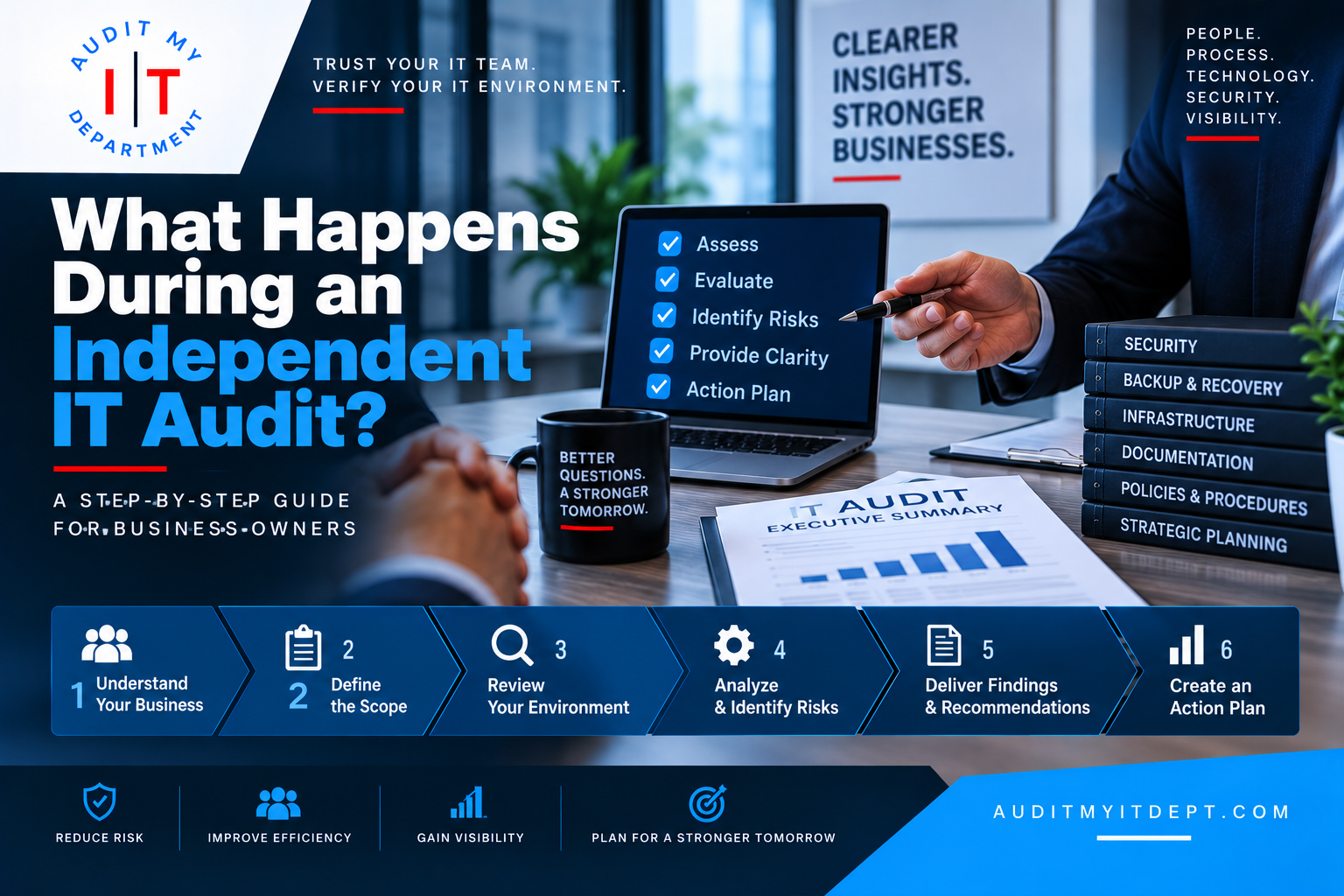
What Happens During an Independent IT Audit? A Step-by-Step Guide for Business Owners
The idea of having your IT environment independently reviewed can sound intimidating.
Business owners may wonder:
Will the auditor disrupt our systems?
Will our employees be interviewed?
Does our IT department need to be involved?
Will someone be trying to find mistakes?
Will the auditor need all of our passwords?
How much time will this take?
What happens when it’s finished?
These are reasonable questions.
An independent IT audit shouldn’t be a surprise inspection designed to catch your IT department doing something wrong.
It should be a structured process designed to answer a much more useful question:
How healthy is our technology environment, and what should leadership know about it?
At Audit My IT Department, we believe the process should give leadership greater visibility while minimizing unnecessary disruption to the business.
Here’s what that process generally looks like.
Step 1: Understand the Business First
A useful IT audit shouldn’t begin with a vulnerability scanner.
It should begin with a conversation.
Before evaluating technology, the assessor needs to understand the organization that technology supports.
That may include questions about:
- Number of employees
- Number of locations
- Industry
- Business operations
- Critical applications
- Remote employees
- Internal IT staff
- Managed IT providers
- Regulatory or contractual requirements
- Recent technology projects
- Known concerns
- Planned growth
- Previous incidents
Why does this matter?
Because the same technology risk can mean very different things to different businesses.
A four-hour outage might be inconvenient for one organization.
For another, it could stop production, prevent employees from serving customers, or create significant financial losses.
Technology should be evaluated in the context of the business.
Step 2: Define the Scope
Next, everyone should understand exactly what will be reviewed.
An IT audit can cover a broad range of areas.
Depending on the engagement, the scope may include:
- Cybersecurity
- Backup and disaster recovery
- Microsoft 365
- User accounts
- Administrative access
- Employee onboarding and offboarding
- IT documentation
- Network infrastructure
- Servers
- Workstations
- Patch management
- Hardware lifecycle
- Software licensing
- Vendor management
- IT support
- Business continuity
- IT spending
- Technology strategy
- Internal IT operations
- Managed service provider performance
Not every engagement needs the same depth in every area.
The important thing is that leadership understands what is—and isn’t—being assessed.
This prevents one of the most common problems with technology reviews:
Leadership expects one thing while the assessor delivers something completely different.
Step 3: Meet With the People Managing IT
The people responsible for the technology environment should normally be involved in the assessment.
That may include:
- Internal IT staff
- IT managers
- Managed service providers
- Network administrators
- Security personnel
- Application administrators
- Business leadership
This isn’t an interrogation.
The purpose is to understand how the environment operates.
The IT team can explain:
- How systems are configured
- What tools are being used
- What projects are underway
- What limitations exist
- What risks have already been identified
- Why certain technical decisions were made
- What improvements have been recommended
That context matters.
Without it, an assessor might identify something that looks unusual without understanding the legitimate business reason behind it.
A good audit listens before it judges.
Step 4: Gather Existing IT Documentation
The next step is understanding what documentation already exists.
That may include:
- Network diagrams
- Hardware inventories
- Software inventories
- Vendor lists
- Backup documentation
- Security policies
- Disaster-recovery plans
- Technology roadmaps
- Support agreements
- MSP contracts
- Licensing information
- Administrative procedures
- Onboarding and offboarding procedures
The absence of documentation can itself be an important finding.
But documentation shouldn’t simply be checked off as present.
The assessor should consider whether it is:
Current
Accurate
Complete enough to be useful
Accessible to the appropriate people
Maintained over time
A five-year-old network diagram may technically exist.
That doesn’t mean it accurately represents today’s network.
Step 5: Review Administrative Access
One of the most important parts of an IT assessment is understanding who controls critical technology.
That can include administrative access to:
- Microsoft 365
- Servers
- Firewalls
- Network equipment
- Backup systems
- Cybersecurity platforms
- Cloud services
- Domain registration
- DNS
- Website hosting
- Business applications
The objective isn’t to collect passwords unnecessarily.
It’s to understand who has privileged access and whether that access is appropriately controlled.
Questions may include:
- How many administrators exist?
- Are administrator accounts protected with MFA?
- Do former employees retain access?
- Do outside vendors have administrative accounts?
- Are shared administrator accounts being used?
- Does the business retain appropriate control?
- Is privileged access documented?
Administrative access represents significant power over an organization’s technology.
Leadership should understand who has it.
Step 6: Review Microsoft 365
For many organizations, Microsoft 365 has become one of the most critical parts of the IT environment.
It may contain:
- Employee identities
- Files
- SharePoint
- OneDrive
- Teams
- Calendars
- Business communications
An assessment may examine areas such as:
- MFA
- Administrative roles
- User accounts
- Former employees
- Licensing
- External sharing
- Email protection
- Security configurations
- Privileged accounts
- Account management
- Data retention and recovery considerations
The objective isn’t simply to determine whether Microsoft 365 works.
It’s to understand whether it is being appropriately managed and protected.
Step 7: Evaluate Cybersecurity Controls
Cybersecurity is an important part of the assessment.
Depending on the agreed scope, areas reviewed may include:
- Endpoint protection
- Multifactor authentication
- Email security
- Firewalls
- Remote access
- Administrative privileges
- Patch management
- Security monitoring
- Account security
- Security awareness
- Incident-response procedures
An independent IT audit isn’t automatically the same as a penetration test or specialized security assessment.
Those services may require separate scopes.
But the audit should help leadership understand whether appropriate cybersecurity practices appear to be in place and where deeper testing may be warranted.
Step 8: Examine Backup and Recovery
This is one of the areas where evidence matters.
It’s easy to say:
“Backups are working.”
The better questions are:
- What’s being backed up?
- What isn’t?
- How often?
- Where are backup copies stored?
- Who monitors failures?
- How long is data retained?
- Are backups protected appropriately?
- When was recovery last tested?
- How long would restoration take?
Ultimately, the assessment should help answer:
If something serious happened tomorrow, could the business recover?
Because the purpose of backup isn’t backup.
It’s recovery.
Step 9: Review the Network and Infrastructure
The assessor may then review the technology foundation supporting the organization.
Depending on the environment, that might include:
- Firewalls
- Internet connections
- Network switches
- Wireless infrastructure
- Servers
- Storage
- Workstations
- Laptops
- Remote-access systems
- Cloud infrastructure
The assessment isn’t just an inventory exercise.
It should help identify issues such as:
- Aging equipment
- Unsupported systems
- Single points of failure
- Security concerns
- Capacity problems
- Poor documentation
- Replacement needs
Leadership should understand whether critical infrastructure is reliable today and whether major investments are approaching.
Step 10: Examine Day-to-Day IT Operations
Technology can be technically sophisticated and still be poorly managed operationally.
An IT audit should therefore consider how routine IT work gets done.
Questions may include:
- How are support requests submitted?
- Are tickets tracked?
- Are recurring problems identified?
- Are systems monitored?
- Are patches deployed consistently?
- How are new employees onboarded?
- How are departing employees offboarded?
- How are technology changes documented?
- Who manages vendors?
- How are IT projects tracked?
The objective is to determine whether IT operates through repeatable processes or primarily through individual knowledge and reaction.
Step 11: Review Business Continuity
Next comes a broader question:
What happens to the business when technology fails?
An assessment may consider:
- Critical systems
- Recovery priorities
- Communication procedures
- Vendor dependencies
- Internet failures
- Server failures
- Cloud outages
- Employee access
- Remote-work capabilities
- Disaster-recovery procedures
Business continuity is where technology risk becomes business risk.
Leadership needs to understand both.
Step 12: Compare What You’re Paying For With What You’re Receiving
For businesses using a managed service provider, the assessment may also review the services being purchased.
That could include:
- Help desk
- Monitoring
- Patch management
- Endpoint protection
- Backup
- Microsoft 365 administration
- Cybersecurity
- Strategic planning
- Vendor management
- Reporting
The purpose isn’t to assume the MSP isn’t performing.
It’s to answer:
Are the services leadership believes it is buying actually being delivered and appropriately implemented?
Sometimes the answer is yes.
That’s a valuable finding.
Sometimes the assessment identifies gaps.
And sometimes it discovers that the provider recommended improvements that leadership declined or postponed.
That context is equally important.
Step 13: Identify Findings
After reviewing the environment, the assessor begins organizing findings.
This is where an IT audit should become useful rather than overwhelming.
Not every observation deserves the same level of concern.
Findings might be categorized as:
Critical
Issues requiring prompt attention because they may create significant security, operational, or business risk.
High Priority
Important weaknesses that should be addressed in the near term.
Improvement Opportunities
Areas where stronger processes or configurations could improve the environment.
Strategic Recommendations
Longer-term improvements involving planning, budgeting, modernization, or organizational maturity.
Prioritization matters.
Giving leadership a list of 150 issues with no indication of importance isn’t particularly helpful.
Step 14: Validate Findings With IT
Before presenting conclusions to leadership, significant findings should generally be discussed with the people managing the environment.
Why?
Because context matters.
The assessor may discover an old server.
IT may explain that replacement hardware has already been purchased and migration is scheduled next week.
That’s relevant.
The assessor may discover a missing security control.
IT may explain that it has recommended the control repeatedly but hasn’t received budget approval.
That’s also relevant.
An accurate audit distinguishes between a problem nobody knew about and a problem IT already identified but couldn’t resolve.
That distinction can completely change the meaning of a finding.
Step 15: Translate Technical Findings Into Business Language
This may be the most important part of the entire process.
Leadership doesn’t need:
“CVE-XXXX was detected on host 192.168.X.X.”
Leadership needs:
“A critical business system is running unsupported software and should be upgraded because it no longer receives normal security updates.”
The technical detail may still belong in supporting documentation.
But executives need to understand:
- What’s wrong?
- Why does it matter?
- How serious is it?
- What should we do?
- How quickly should we do it?
A good IT audit translates technology into decisions.
Step 16: Present the Executive Findings
Leadership should receive a clear summary of the environment.
That might include:
- Overall IT health
- Major strengths
- Significant risks
- Cybersecurity concerns
- Backup and recovery status
- Documentation gaps
- Infrastructure concerns
- Operational observations
- Strategic recommendations
At Audit My IT Department, our philosophy is simple:
Leadership should be able to understand the report without having to become an IT professional.
The purpose isn’t to impress executives with technical terminology.
The purpose is to give them clarity.
Step 17: Build a Prioritized Action Plan
The final product shouldn’t simply say what’s wrong.
It should help answer:
What do we do next?
Recommendations should be prioritized.
For example:
Immediate
Address critical security exposure.
Next 30–90 Days
Improve backup testing, administrative access, or documentation.
Next 6–12 Months
Replace aging infrastructure or formalize business-continuity planning.
Longer Term
Develop technology strategy and lifecycle planning.
Not every business needs to fix everything immediately.
A roadmap helps leadership make rational decisions based on risk, cost, and business priorities.
What an IT Audit Should NOT Feel Like
An independent IT audit shouldn’t feel like:
- A surprise attack on your IT staff
- An excuse to sell unnecessary products
- A predetermined effort to replace your MSP
- A hunt for someone to blame
- A technical exercise disconnected from the business
- An endless checklist with no prioritization
It should feel like a second opinion.
A knowledgeable outside perspective on an important business function.
What If the Audit Finds That IT Is Doing a Great Job?
Then the report should say so.
This is something business owners sometimes overlook.
An independent assessment isn’t valuable only when it finds problems.
Imagine learning that:
- Your backups are well managed
- Recovery is regularly tested
- MFA is appropriately deployed
- Documentation is strong
- Your MSP is delivering its services
- Infrastructure is current
- Cybersecurity controls are mature
- IT planning is aligned with the business
That’s valuable information.
Independent validation of good IT is still valuable.
It gives leadership confidence.
It may also give the IT team recognition for work that often happens behind the scenes.
What If the Audit Finds Problems?
Then you have an opportunity.
Finding a weakness during a planned assessment is generally much better than discovering it during:
- A ransomware attack
- A server failure
- A major outage
- An employee departure
- A failed recovery
- A cyber insurance claim
- A customer security review
An audit finding isn’t automatically evidence of failure.
Technology environments change constantly.
Businesses grow.
Employees leave.
New systems appear.
Security threats evolve.
Documentation becomes outdated.
The important question is what the organization does after the issue becomes known.
Does Your IT Team Need to Be Worried?
No professional IT team should be expected to maintain a perfect environment with unlimited resources.
There will almost always be things that can be improved.
A mature assessment recognizes that.
The goal isn’t:
“Let’s find out what IT did wrong.”
The goal is:
“Let’s understand where we are and decide where we need to go.”
Those are very different approaches.
How Much Work Does Leadership Need to Do?
Leadership should be involved, but it shouldn’t need to manage the technical assessment.
Executives are most valuable at the beginning and end.
At the beginning, leadership helps define:
- Business priorities
- Concerns
- Expectations
- Risk tolerance
At the end, leadership evaluates:
- Findings
- Priorities
- Budget
- Responsibility
- Next steps
The technical work belongs primarily between those two points.
The Result Should Be Clarity
At the conclusion of an independent IT audit, a business owner should be able to answer questions that may have previously produced uncertainty.
How healthy is our IT environment?
What are we doing well?
What are our biggest technology risks?
Are our backups recoverable?
Is Microsoft 365 appropriately managed?
Who has administrative control?
Is our environment properly documented?
Are we overly dependent on one employee or vendor?
What technology investments are approaching?
What should we address first?
That clarity is the real deliverable.
Trust Your IT Team. Verify Your IT Environment.
You don’t independently review IT because you automatically believe someone is doing a bad job.
You review it because technology has become too important to operate entirely on assumption.
A good IT department should benefit from independent validation.
A good MSP should be able to demonstrate the work it performs.
And leadership should have enough visibility to make informed decisions about technology risk.
Trust your IT team. Verify your IT environment.
Ready for an Independent View of Your IT?
Audit My IT Department provides independent IT assessments designed specifically for business owners and leadership teams.
We examine cybersecurity, backup and disaster recovery, Microsoft 365, administrative access, documentation, infrastructure, IT operations, business continuity, and technology strategy.
Then we translate the findings into language leadership can actually use.
No guessing. No unnecessary technical jargon. Just a clearer picture of your IT environment and what should happen next.
REQUEST AN IT AUDIT
847-281-5953
AuditMyITDept.com