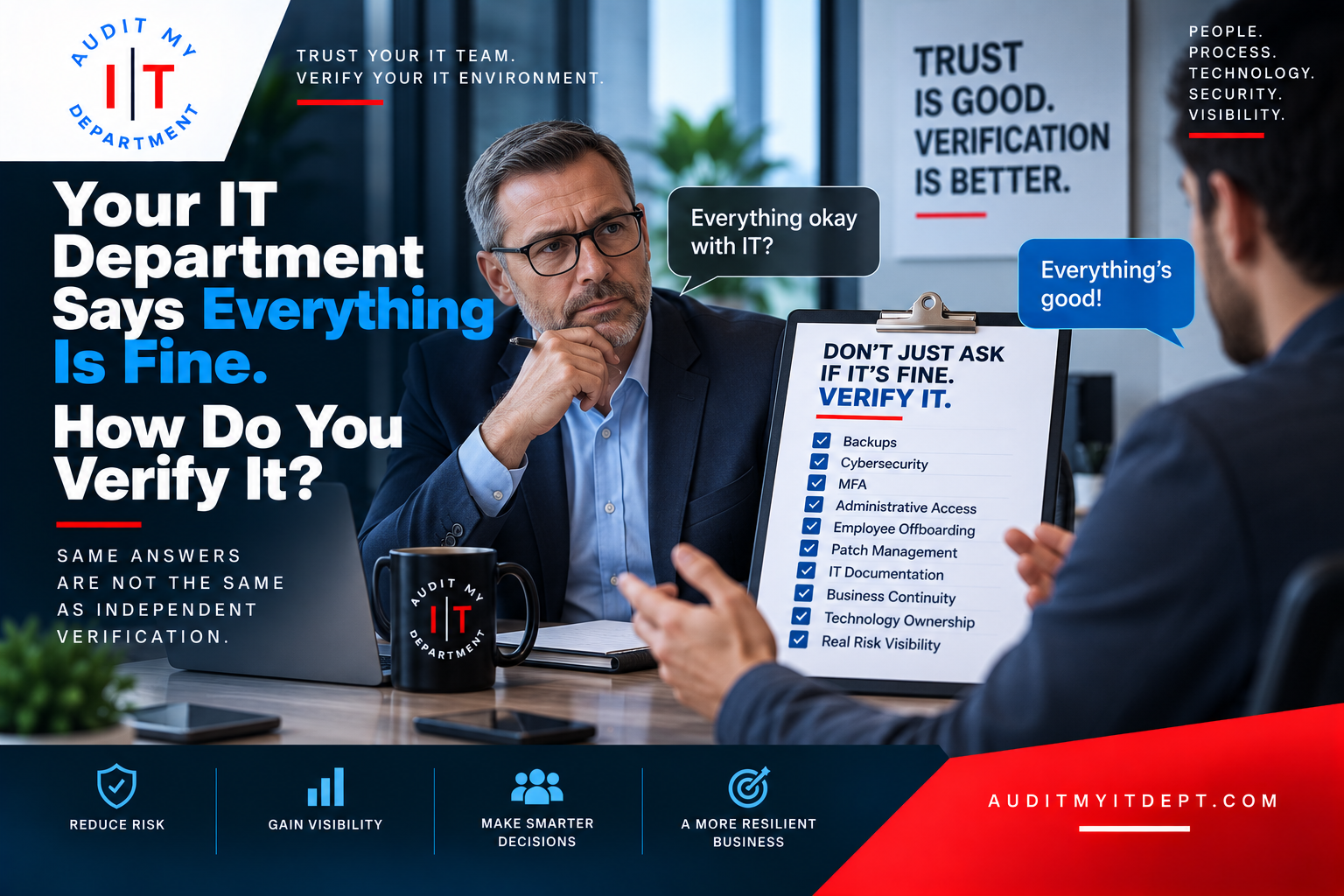
Your IT Department Says Everything Is Fine. How Do You Verify It?
It’s one of the most common conversations between business leadership and IT.
CEO:
“Everything okay with IT?”
IT:
“Everything’s good.”
And the meeting moves on.
Maybe everything really is good.
Your systems are running.
Employees can work.
Email is functioning.
Backups are running.
Security software is installed.
There haven’t been any major incidents.
So why wouldn’t leadership believe IT?
In most cases, you should.
The issue isn’t whether you trust your IT department.
The issue is whether trust alone provides enough oversight for something your entire organization depends on.
Trust and verification are not opposites.
You can trust your IT team and still independently verify that critical technology controls are working the way leadership believes they are.
In fact, that’s how many other important areas of business already operate.
You Verify Other Parts of Your Business
Think about your company’s finances.
You probably trust your accounting team.
That doesn’t mean you eliminate financial controls.
Companies reconcile bank accounts.
They review financial statements.
They perform inventories.
They use outside accountants.
Some organizations undergo independent financial audits.
Those controls don’t automatically mean leadership suspects the accounting department of dishonesty.
They’re simply part of responsible management.
The same concept applies to insurance.
You trust your insurance broker.
But you still review coverage.
You trust your attorney.
But important legal matters may justify a second opinion.
You trust your employees.
But you still maintain policies, approvals, and internal controls.
Why should IT be the one critical business function where reassurance alone is enough?
IT Has Become a Business-Critical Function
Twenty years ago, a computer problem might have inconvenienced a few employees.
Today, technology may control nearly every part of the organization.
Your company may depend on IT for:
- Customer information
- Accounting
- Banking
- Payroll
- Sales
- Production
- Scheduling
- Communication
- File storage
- Microsoft 365
- Remote work
- Cybersecurity
- Phones
- Business applications
If those systems become unavailable, parts of the business may stop.
That makes IT more than a technical department.
IT is an operational risk function.
And important operational risks deserve visibility.
Start by Changing the Questions
One of the biggest problems isn’t the answers IT provides.
It’s the questions leadership asks.
Consider:
“Are our backups working?”
The likely answer is:
Yes.
Now ask:
“When did we last successfully restore one of our critical systems from backup?”
That’s a much better question.
Instead of:
“Are we secure?”
Ask:
“What are our three biggest cybersecurity risks right now?”
Instead of:
“Do we have MFA?”
Ask:
“Which important accounts aren’t protected by MFA?”
Instead of:
“Is everything documented?”
Ask:
“If our primary IT person disappeared for 30 days, could another qualified IT professional understand our environment?”**
Better questions create better visibility.
1. Verify Your Backups
Backups are a perfect place to begin.
Leadership often hears:
“Backups are running every night.”
That’s useful information.
But it doesn’t answer the most important question:
Can we recover?
Ask IT:
- What systems are backed up?
- What isn’t backed up?
- How frequently do backups run?
- Where are backup copies stored?
- How long are they retained?
- Who monitors failures?
- Are backups protected appropriately?
- When was the last recovery test?
- How long would recovery take?
Then ask for evidence of recent recovery testing where appropriate.
This isn’t micromanagement.
If the business depends on the backup system for survival after a major incident, leadership should understand whether recovery is realistic.
2. Verify Multifactor Authentication
Your IT department may tell you:
“We use MFA.”
Excellent.
Now determine what that means.
Ask:
“Which accounts don’t have MFA?”
Consider:
- Microsoft 365
- Administrative accounts
- VPN
- Remote access
- Cloud applications
- Critical business systems
You may discover that MFA is deployed exactly as leadership expects.
That’s a good result.
Or you may discover exceptions.
Exceptions aren’t automatically evidence of poor management.
There may be technical or business reasons.
But leadership should understand significant exceptions rather than assuming they don’t exist.
3. Verify Administrative Access
Who has the keys to your technology environment?
Ask for a current review of privileged accounts across critical systems.
That may include:
- Microsoft 365
- Servers
- Firewalls
- Network equipment
- Backup systems
- Cloud platforms
- Security tools
- Domain registration
- DNS
- Business applications
Look for:
- Current IT personnel
- MSP administrators
- Vendors
- Contractors
- Former employees
- Previous IT providers
- Shared accounts
- Old administrator accounts
The objective isn’t to remove legitimate administrative access.
It’s to make sure privileged access is intentional, appropriate, and understood.
4. Verify Former Employees Are Actually Gone
HR says the employee left six months ago.
Their email was disabled.
Is that the end of the story?
Maybe.
But the employee might also have had access to:
- VPN
- Cloud applications
- File-sharing platforms
- Remote-access software
- Business applications
- Administrative systems
- Third-party services
Ask IT to explain the offboarding process.
Then periodically verify that inactive and former users aren’t retaining unnecessary access.
A strong IT department should already have a process for this.
Independent verification simply confirms the process is working.
5. Verify Patch Management
Your IT team may use sophisticated remote-management software.
That’s good.
But having a patching platform doesn’t necessarily mean every system is current.
Ask:
“Which computers or servers are significantly behind on security updates?”
Then ask:
“Do we have any systems running unsupported operating systems or software?”
There may be legitimate exceptions.
Perhaps a specialized application requires an older system.
Perhaps replacement is already planned.
That’s important context.
Leadership doesn’t need perfection.
It needs visibility into meaningful risk.
6. Verify Security Monitoring
Many businesses pay for multiple cybersecurity products.
They may have:
- Endpoint protection
- Email security
- Firewalls
- Security monitoring
- Identity protection
- DNS filtering
- Vulnerability tools
But ask:
“Who is watching the alerts?”
Then:
“What happens when something serious is detected?”
Imagine suspicious activity occurs at 2:00 a.m.
Does someone know?
Is it investigated?
Can someone isolate a device?
When does leadership get notified?
Technology without a response process may provide less protection than leadership assumes.
7. Verify Your IT Documentation
Ask IT:
“Can you show us our current IT documentation?”
You don’t need to understand every page.
You’re trying to determine whether critical organizational knowledge exists outside one person’s head.
Look for documentation covering areas such as:
- Network
- Hardware
- Software
- Vendors
- Backups
- Administrative access
- Critical systems
- Recovery procedures
- Onboarding and offboarding
- Business continuity
Then ask:
“When was this last updated?”
Documentation that no longer represents the environment can create a false sense of preparedness.
8. Verify Technology Ownership
This area can produce unpleasant surprises.
Ask:
“Does our company control all of its critical technology accounts?”
That may include:
- Domain registration
- Microsoft 365
- Website hosting
- DNS
- Cloud platforms
- Software licensing
- Backup services
- Cybersecurity systems
The systems may be managed by IT or an MSP.
That’s normal.
But the business should maintain appropriate ownership and continuity.
Imagine your IT provider disappeared tomorrow.
Could your company regain control?
If nobody knows, that’s worth addressing now.
9. Verify Your Recovery Plan
Ask a simple hypothetical question:
“If our primary systems went down tomorrow morning, what would we do?”
Then listen.
Does IT have a clear answer?
Who gets contacted?
What gets restored first?
How long might recovery take?
What do employees do while systems are unavailable?
Which vendors need to be involved?
Where is the recovery documentation?
You don’t need to stage a full disaster every month.
But recovery shouldn’t exist entirely as a theoretical idea.
10. Verify What You’re Paying For
If you use an MSP, review your agreement.
If you have internal IT, review the technology services and products being purchased.
Ask:
- What security products are we paying for?
- What backup services?
- What monitoring?
- What Microsoft 365 licenses?
- What support?
- What strategic services?
- What software subscriptions?
Then ask:
“Are we actually using and receiving everything we’re paying for?”
The purpose isn’t simply to cut costs.
You may discover the opposite.
Perhaps you’re paying for an important security service but haven’t deployed it everywhere.
Perhaps IT has recommended a service that leadership hasn’t approved.
Perhaps a contract no longer matches the company’s needs.
Verification creates clarity.
Ask IT to Show You What’s Going Well
Verification shouldn’t only focus on problems.
This is extremely important.
Ask:
“What are the three things we’re doing particularly well with IT?”
Maybe your organization has:
- Excellent backup practices
- Strong MFA coverage
- Current infrastructure
- Great documentation
- Effective employee offboarding
- Mature security monitoring
- A well-managed Microsoft 365 environment
Leadership should know that too.
An IT audit should identify strengths as well as weaknesses.
Good IT work often happens invisibly.
Independent verification can help make that work visible.
Ask IT What They Need From Leadership
Here’s another question every executive should ask:
“What have you recommended that we haven’t approved?”
This question can completely change the conversation.
Sometimes leadership assumes IT isn’t addressing a problem.
Meanwhile, IT may have:
- Recommended replacing an old server
- Requested better backup technology
- Proposed additional security tools
- Asked for more staffing
- Recommended MFA improvements
- Requested budget for documentation
- Proposed disaster-recovery improvements
And leadership delayed the project.
In that situation, the audit shouldn’t simply conclude:
“IT failed.”
It should identify the actual cause.
Accountability works in both directions.
Internal IT Can’t Be Completely Independent
Even an excellent IT department faces a structural limitation.
It manages the environment.
It monitors the environment.
It recommends improvements.
And often it reports on whether the environment is healthy.
That doesn’t mean IT is dishonest.
It means the organization lacks an independent perspective.
The same applies to an MSP.
The company delivering the service may also be the company telling leadership whether the service is effective.
Again, that’s not an accusation.
It’s simply why periodic independent review can be valuable.
Independent Verification Isn’t a “Gotcha” Exercise
A poorly handled audit can create unnecessary tension.
Employees may think:
“Management doesn’t trust us.”
An MSP may think:
“They’re trying to replace us.”
That shouldn’t be the objective.
Leadership should communicate the purpose clearly:
“We’re independently reviewing an important business function, just as we do in other areas of the organization.”
The objective is to understand:
What’s working.
What needs attention.
What risks exist.
What IT needs from leadership.
What should happen next.
That’s constructive oversight.
What If Everything Really Is Fine?
Great.
That’s an excellent audit result.
Imagine an independent review finds:
- Backups are recoverable
- MFA is appropriately deployed
- Administrative access is controlled
- Former employees are properly offboarded
- Systems are patched
- Security monitoring is effective
- Documentation is current
- Infrastructure is healthy
- Technology ownership is appropriate
- IT planning is mature
Leadership now has something better than reassurance.
It has independent validation.
And your IT team deserves recognition for the result.
What If Everything Isn’t Fine?
That doesn’t automatically mean your IT department failed.
Technology environments are complicated.
Priorities compete.
Budgets are limited.
Systems age.
Businesses change.
Security threats evolve.
Employees come and go.
An independent review may find things that simply need improvement.
The important questions become:
How serious is the issue?
Why does it exist?
Was IT already aware of it?
Has IT recommended a solution?
What should happen next?
That’s much more productive than assigning blame.
Leadership Doesn’t Need to Become Technical
Some executives avoid IT oversight because they don’t understand technology.
You don’t need to.
You don’t need to know how to configure a firewall.
You don’t need to administer Microsoft 365.
You don’t need to understand backup architecture.
You need to understand the business questions.
Can we recover?
Are we appropriately protected?
Who has access?
What are our biggest risks?
What technology needs replacement?
What happens if IT becomes unavailable?
What does IT need from us?
Those are leadership questions.
From “Everything Is Fine” to “Here’s the Evidence”
Imagine your next IT meeting.
Instead of:
CEO: “Everything good?”
IT: “Yep.”
The conversation becomes:
CEO: “When was our last recovery test?”
IT: “Last month. Here’s the result.”
CEO: “Any major systems approaching end of life?”
IT: “Two. They’re included in next year’s technology plan.”
CEO: “Any important accounts without MFA?”
IT: “Three exceptions. Here’s why they exist and what we’re doing about them.”
CEO: “What are our biggest risks?”
IT: “These three. Here’s what we recommend.”
That’s a completely different level of IT governance.
And it doesn’t require the CEO to become a technologist.
Trust Your IT Team. Verify Your IT Environment.
Trust is important.
Strong businesses are built on it.
But verification isn’t the absence of trust.
It’s what responsible organizations do with important business functions.
Your IT team may be doing an outstanding job.
Your MSP may be delivering exactly what you’ve been promised.
Your backups may be recoverable.
Your cybersecurity may be strong.
Your documentation may be excellent.
Verify it.
And if something needs improvement, discover it while you have time to make a thoughtful decision—not during an outage, ransomware incident, failed recovery, or unexpected employee departure.
Everything Is Fine. Now Prove It.
Audit My IT Department provides independent IT assessments for business owners and leadership teams that want a clearer view of their technology environment.
We review areas including:
Cybersecurity
Backup & Disaster Recovery
Microsoft 365
Administrative Access
IT Documentation
Infrastructure
IT Operations
Business Continuity
Technology Strategy
The objective isn’t to automatically replace your IT department or MSP.
It’s to independently answer the question leadership has been asking all along:
“How do we know?”
Trust your IT team. Verify your IT environment.
REQUEST AN IT AUDIT
847-281-5953
AuditMyITDept.com